

What will you build today? Your business, open online.
Explain what your business does and who it serves. The site is built while you read along.
14 days
To try it before you choose
$20
A month on Starter
Full-stack
Pages, logins and data
Hosted
Free subdomain from the start
From Business Idea to Live Website in 3 Steps
You do not need a developer, a designer or a hosting account. Describe the business and publish.
Explain the Business
Describe it the way you would to a new client. "A tax preparation practice with a booking page and a document checklist" gives the AI enough to plan the pages and the forms.
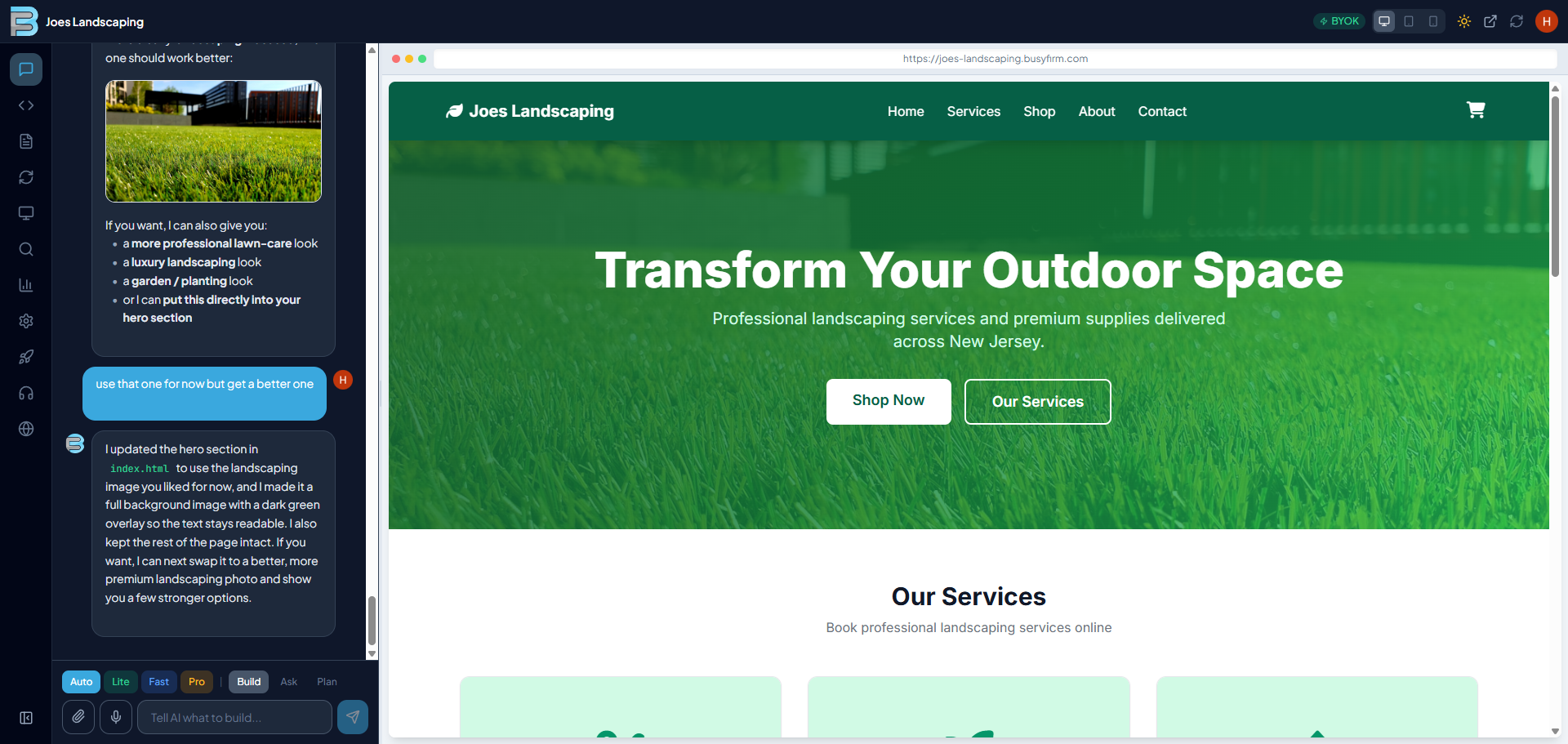
See It Take Shape
Pages appear in the split-screen preview as the AI writes them. Ask for a store, a client portal or an appointment calendar and it builds those in the same conversation.
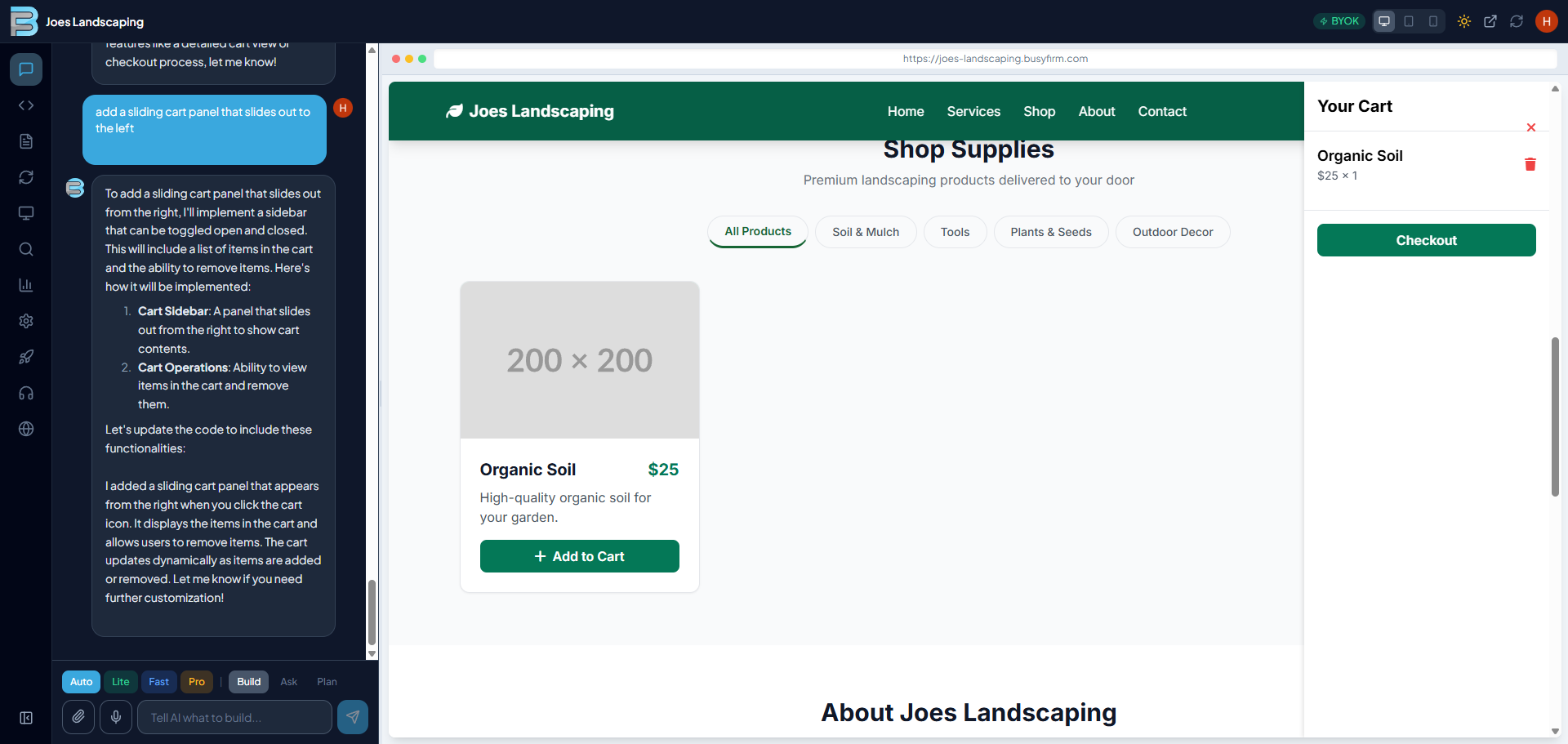
Polish and Publish
Adjust the wording, the colours and the layout until it reads like your company, then publish it under your own name.
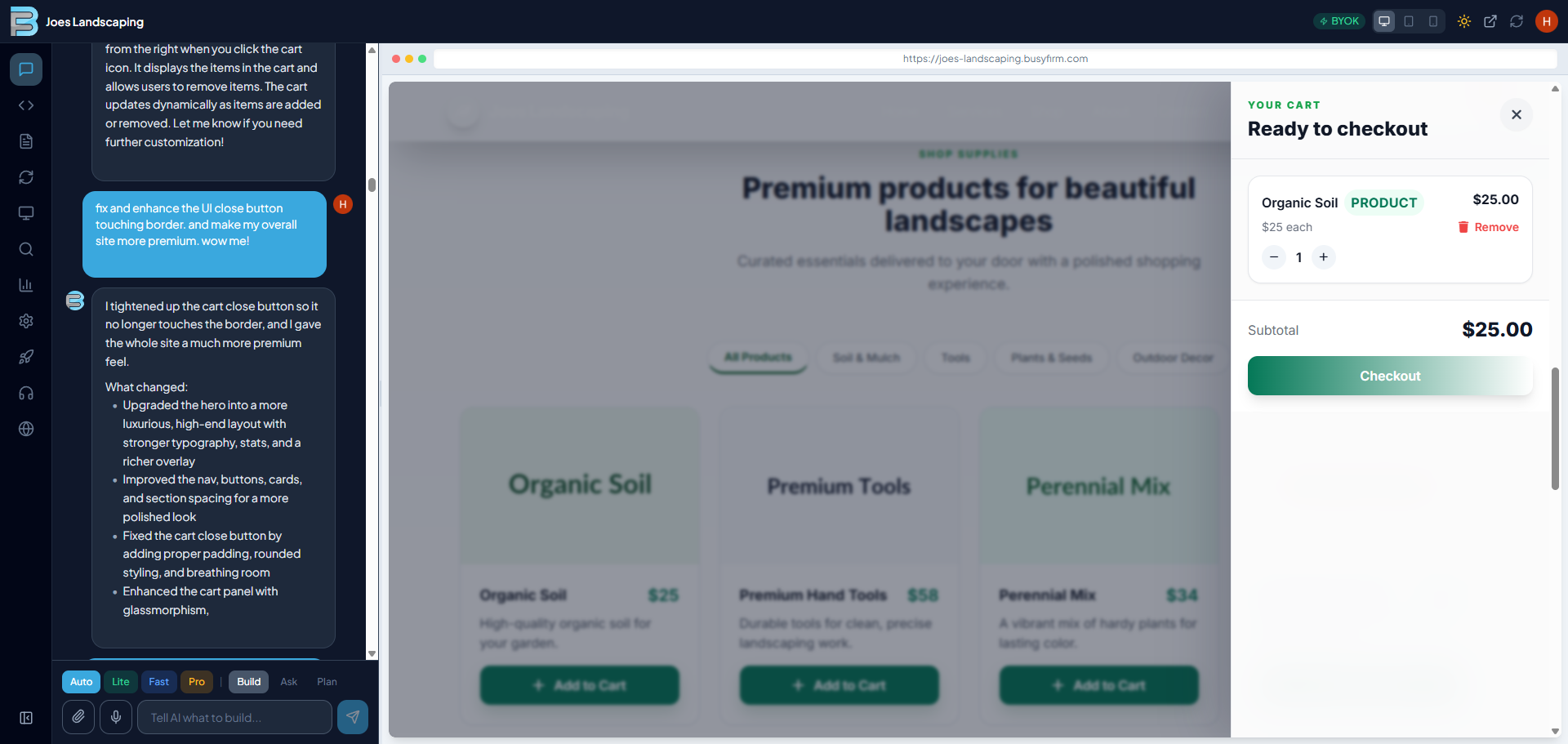
Built for Running a Business Online
The parts a small business needs to look established and take enquiries, without hiring anyone.
Plain-English Requests
Tell the AI what the business needs in ordinary language. It keeps the whole project in mind and builds each request into the site.
Preview on Every Screen
Check each change on desktop, tablet and phone in the split-screen preview before a client ever sees it.
Published the Moment It Exists
A free subdomain puts the site online as soon as it is created, with nothing to configure first.
Your Business Domain
Connect the domain you already own or register a new one, and the SSL certificate and DNS are set up automatically.
Stores, Portals and Logins
The AI builds front ends, back ends, databases and APIs, so client logins, bookings and online stores work for real.
Automatic Drive Backups
Link Google Drive to save every project as a ZIP, ready to restore or move to another account.
Start From a Template
Begin with a store, portfolio, booking or blog template and reshape it for your business in conversation.
Search-Ready Pages
Meta tags, a sitemap, Open Graph data, structured data and mobile layouts are generated so the business can be found.
Credits or Your Own Key
Use a fast mode for small changes, a precise mode for larger ones, or connect your own AI key and pay that provider directly.
Technologies It Works In
A Plan for Each Stage of the Business
Try it for 14 days, then choose a plan. Every detail is on the pricing page.
Starter
A solo business getting its first site online.
- Exports unlocked
- Connect your own business domain
- AI chat builder with live preview
- Free subdomain hosting
- Google Drive backup
Plus
Owners who want the site fully branded.
- Everything in Starter
- No watermark
- 2 sites
- Voice cloning
- Basic image generation
Pro
Growing businesses with more going on.
- Everything in Plus
- 3 sites and 3 seats
- Video generation
- Premium AI models
- GitHub export
Business
Firms with a team working on the site.
- Everything in Pro
- 5 seats and team admin
- Shared workspace and central billing
- API access
- Priority queue
Before You Start Building
How does the AI website builder work for my business?
Describe the business in plain English: what you sell or offer, who your clients are, and what visitors should do next. The AI builds a complete site with the pages and forms that suit it, and you refine it by chatting while the preview updates.
What can it build?
Everything from a one-page site to a full web application with client logins, bookings, an online store and the database behind them. It writes React, Next.js, Vue, Angular, Node.js and Python.
Do I need any technical skills?
None. You type what you want and the AI writes the code. On plans with code access you can also open, edit and export it.
Can the website use my business domain?
Yes. From Starter up you can connect a domain you already own or register a new one here, with DNS and SSL handled for you.
Is there a free trial?
Yes. Every account starts with a 14-day trial so you can build before you choose a plan. Exports unlock on a paid plan, and your work carries over.
How quickly is the site online?
Straight away. It is published on a free subdomain as soon as it is created, and every change you request appears in the preview while you chat.
How are my projects backed up?
Connect Google Drive and projects are saved there as ZIP files automatically. Import a backup whenever you need to restore or move a project.
Which AI models are used?
The most capable models available, with a fast mode for quick edits and a precise mode for complex features. You can also connect your own API key.
Can I work with the code myself?
Yes, on plans that include code access: view and edit every file in the built-in editor, or export the project to GitHub.
Ready to Open Your Business Online?
Start the 14-day trial and see your business website come together as you describe it.
Start My Website