
Busy Firm Community · WordPress
Turn your members into a network.
Profiles, a member directory and private messages with video calls - inside your own WordPress site, for the people who log in to it.
- Free with your account
- Works with any theme
- Live in 4 steps
4
people on a video call
1-tap
report and block
2
page builders: Gutenberg + Elementor
0
code to set up
Why groups switch to it
Members meet members
A searchable directory and real profiles turn a member list into a network people come back to.
Message and call, right there
Private messages and video calls for up to four people - no extra app, no links to share.
You stay in charge
Reports and blocks land in your WordPress dashboard - act on each one in a click.
See it working
Real screens from a WordPress site running it - on a computer and on a phone, nothing mocked up. Tap any to look closer.
On a computer
On a phone
Swipe for more screens →
How it works
- 01
Install and paste your key
Add the plugin and paste your API key - your members' profiles are ready.
- 02
Drop in the blocks
Put the whole community - directory, profiles and messages - on any page with one Gutenberg block, Elementor widget or shortcode.
- 03
Watch it come alive
Members find each other, message and call - and you moderate reports from your WordPress dashboard.
Step by step
Busy Firm Community, one screen at a time
12 steps from first click to done - real screens on a computer and on a phone.
- 1
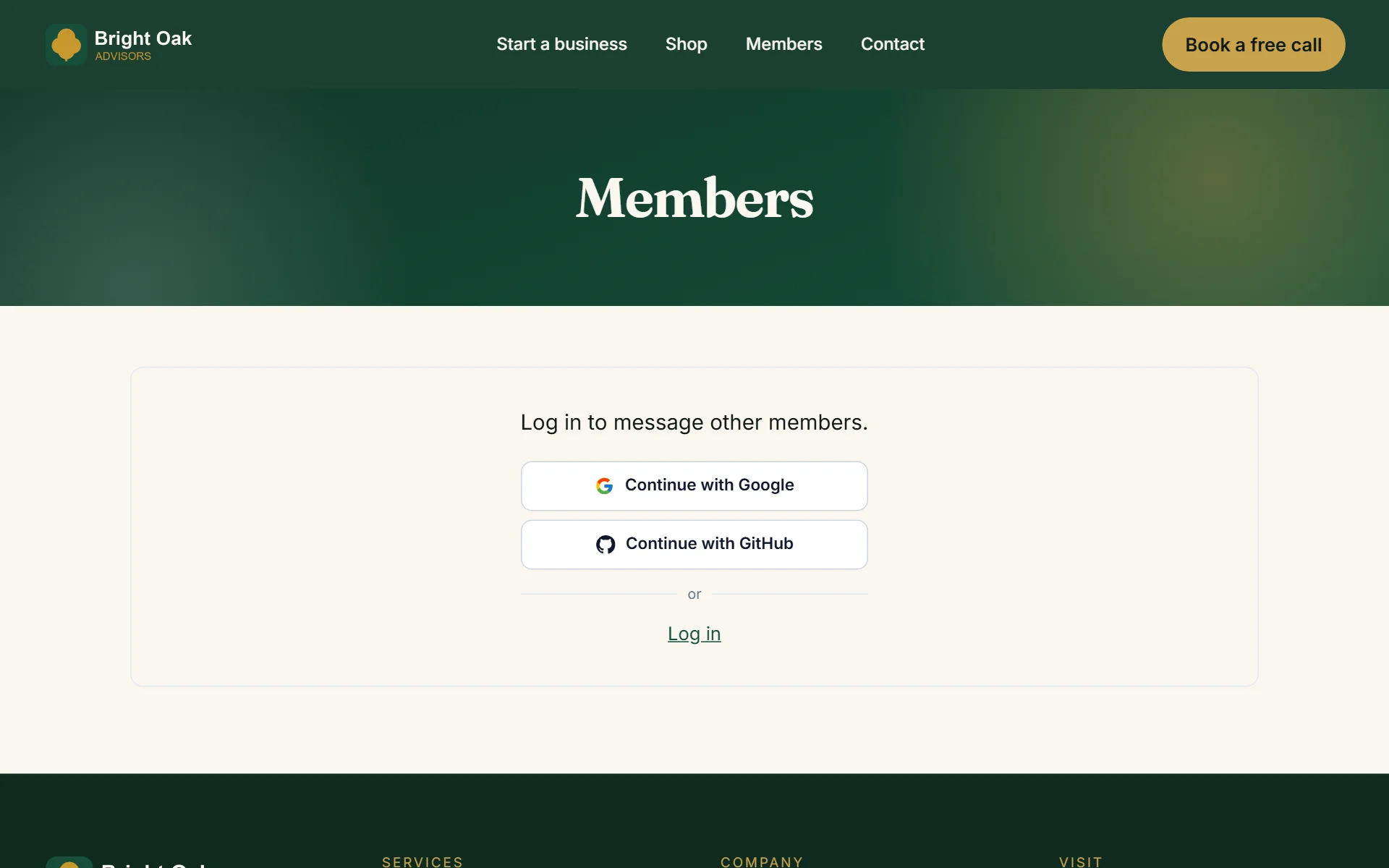
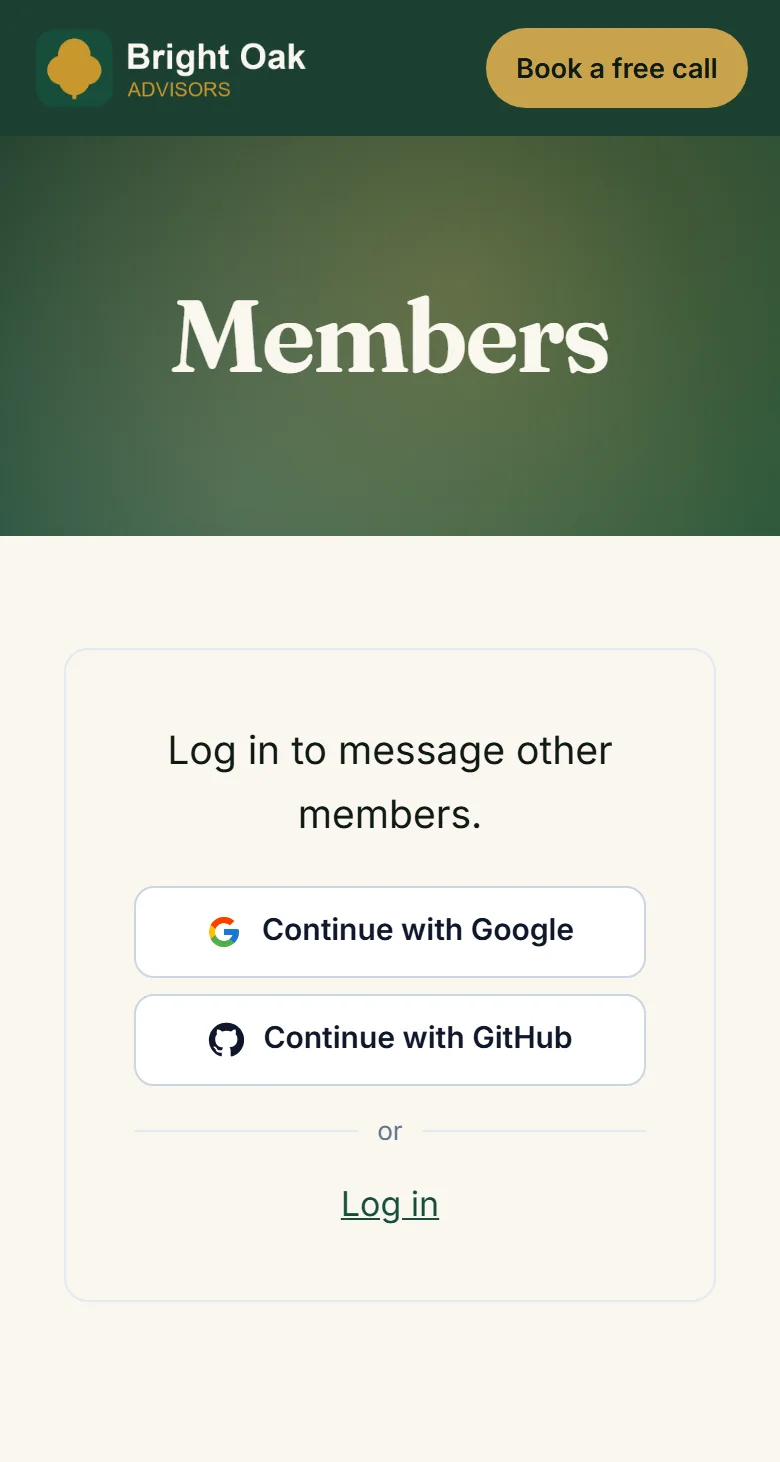
Visitors log in with one tap to join
- 2
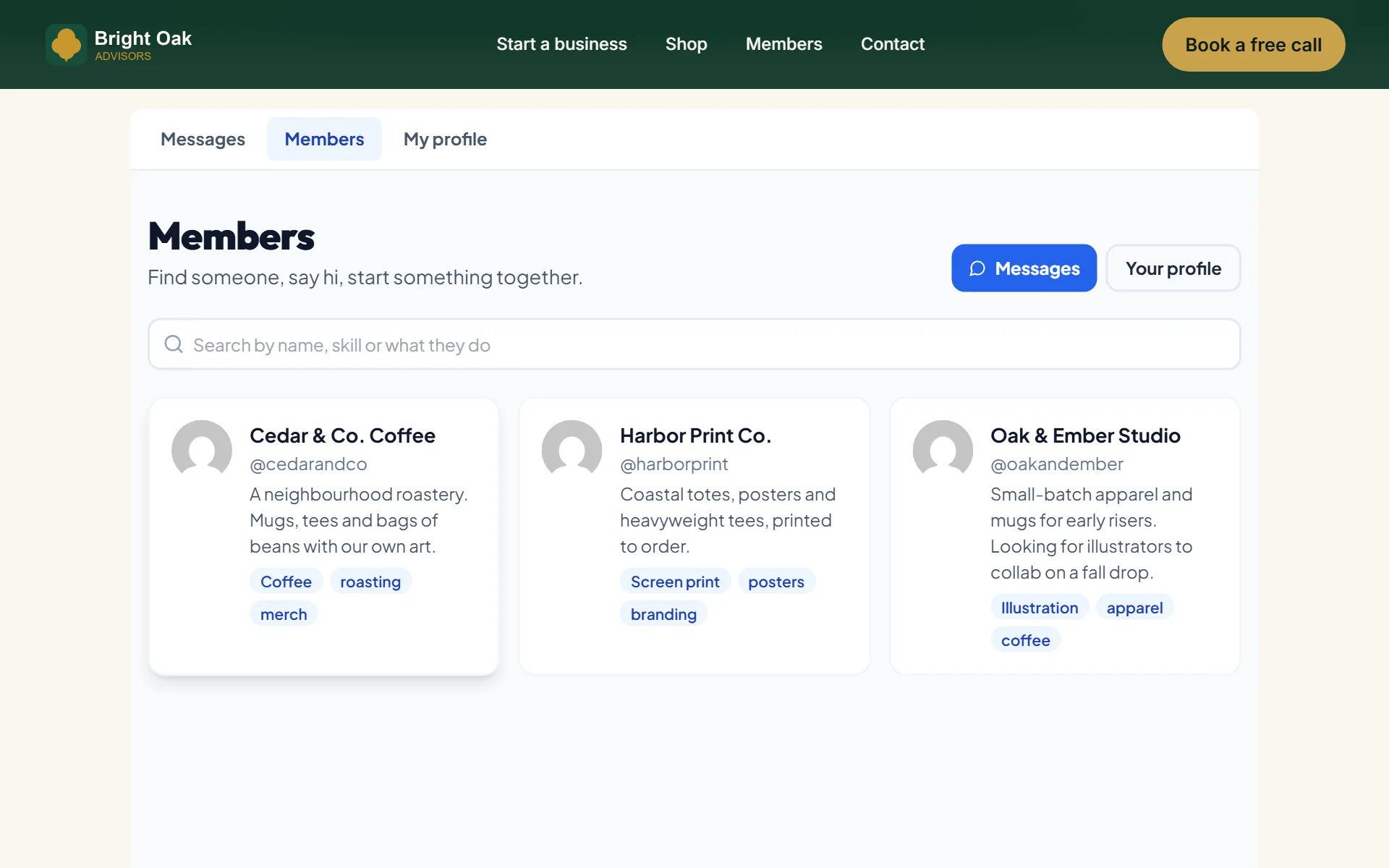
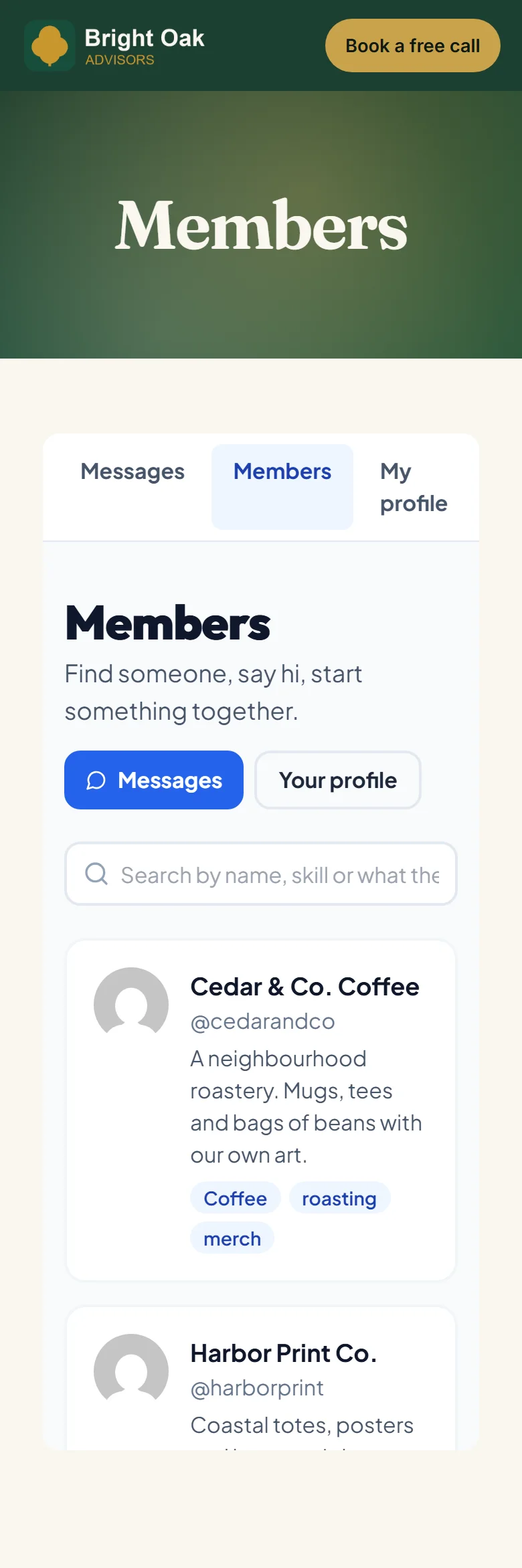
A member directory - search by name, skill or what they do
- 3
Every member gets a profile
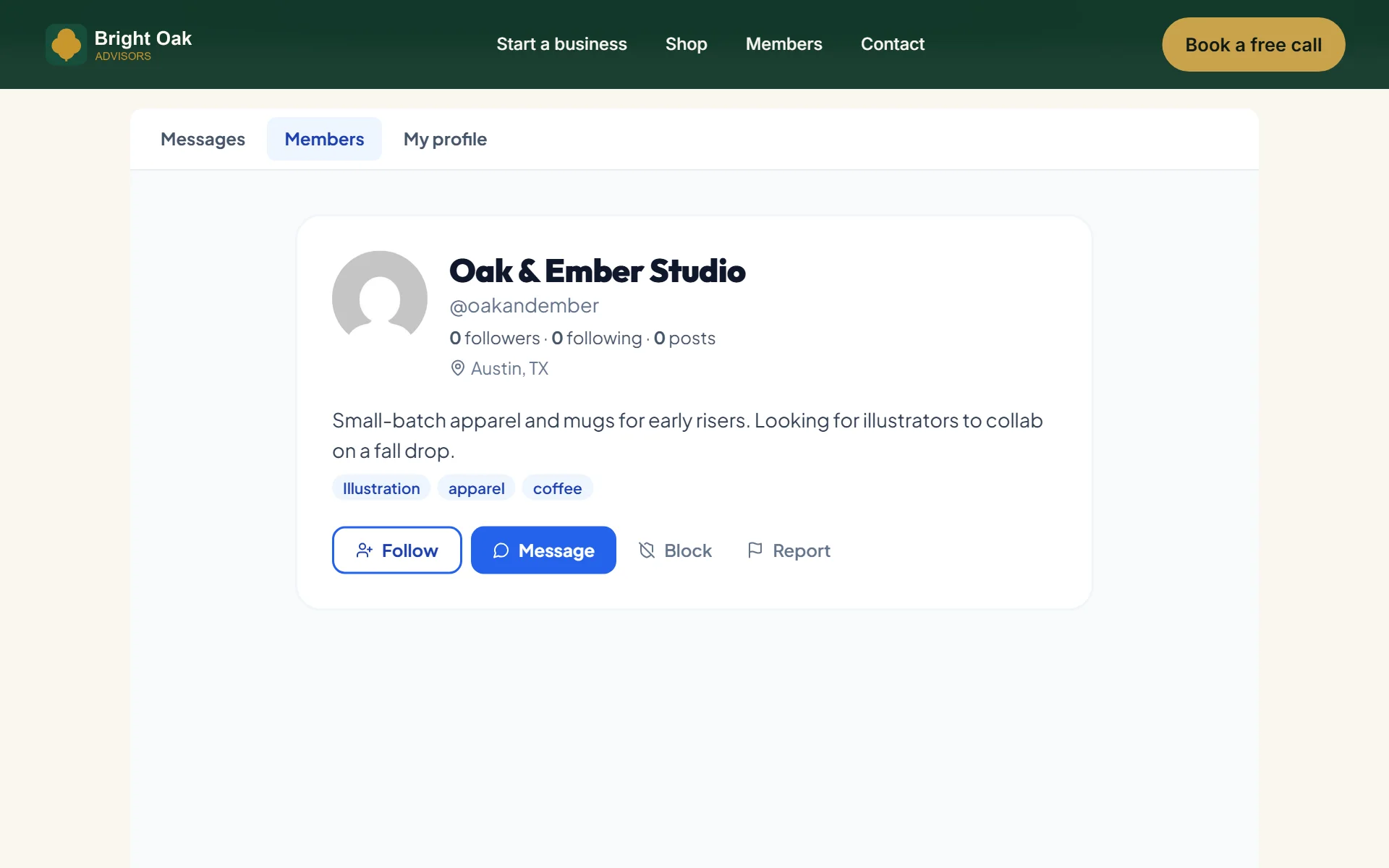
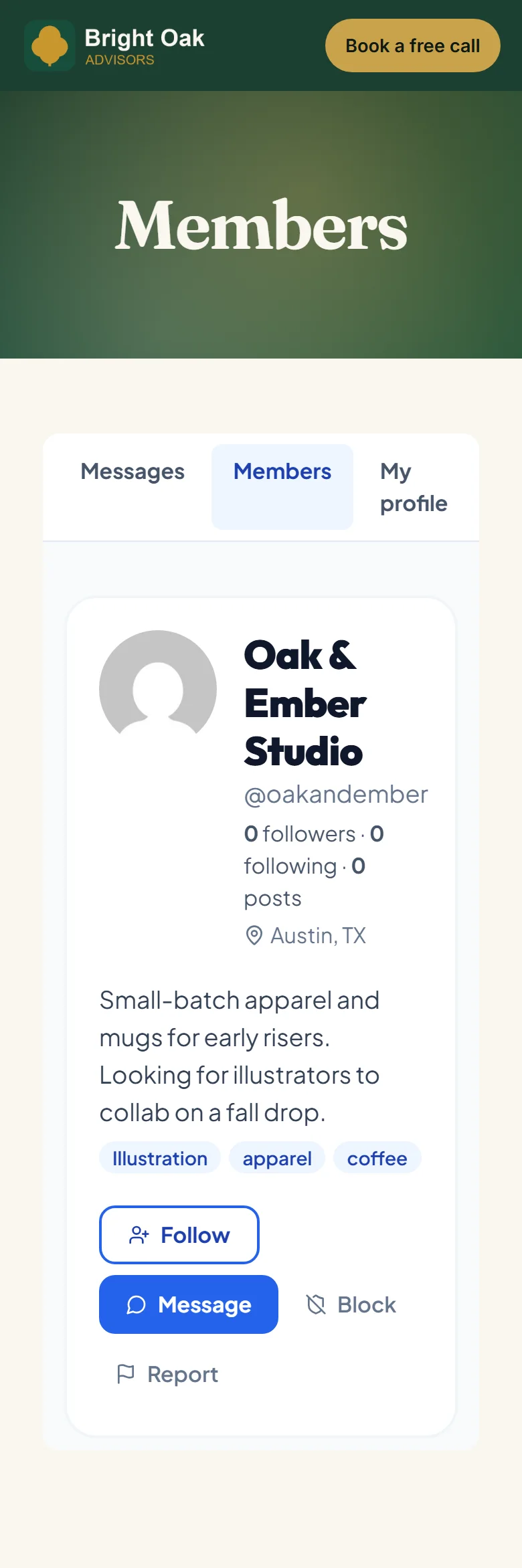
- 4
Message anyone from their profile
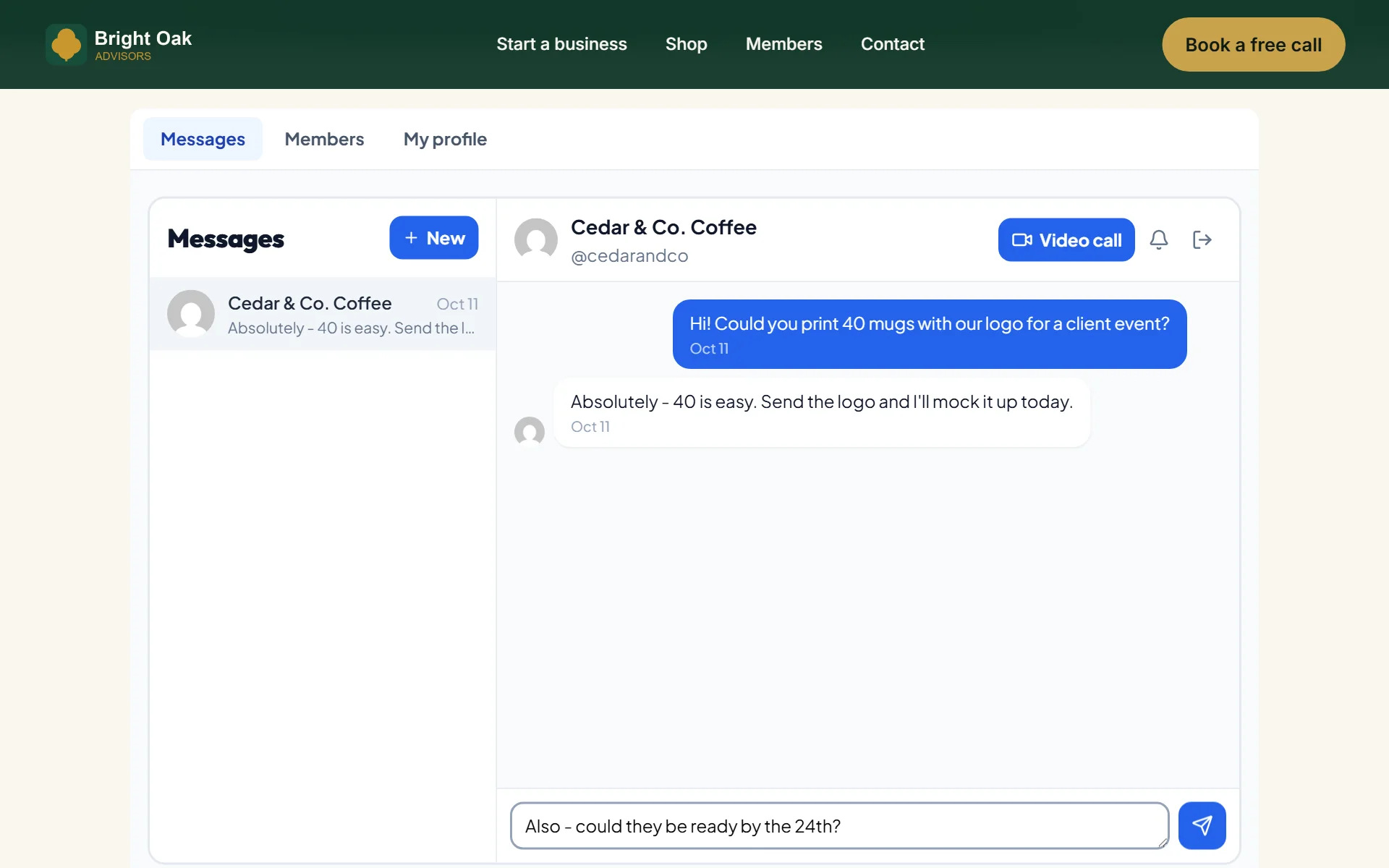
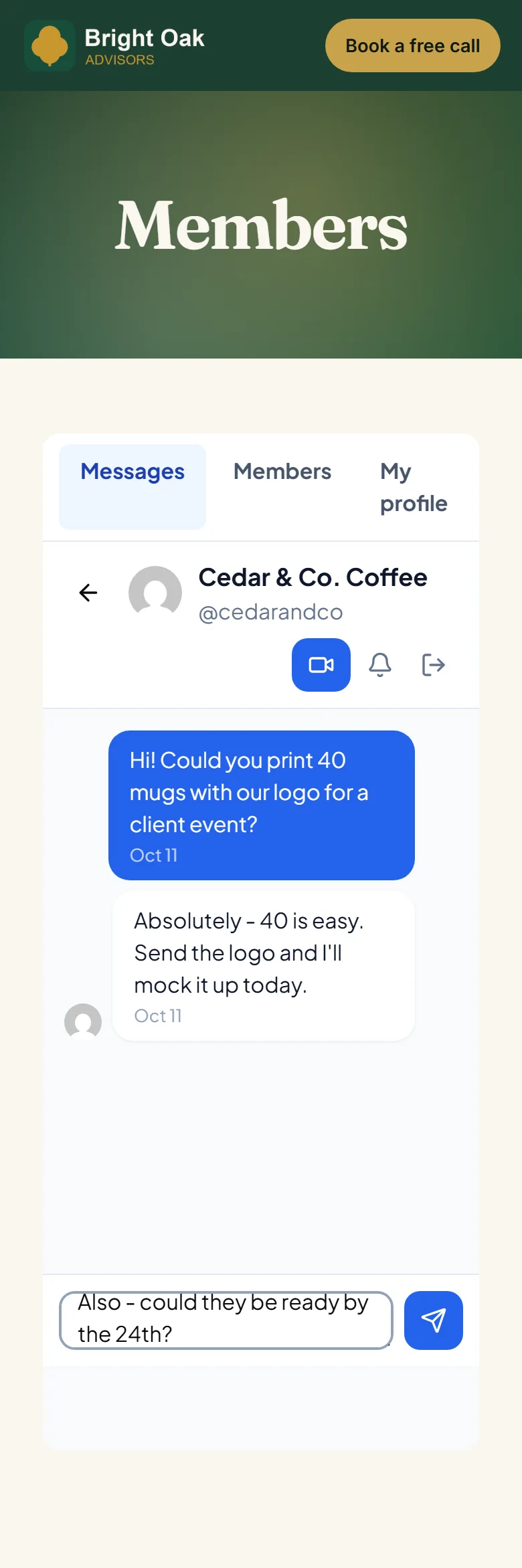
- 5
Conversations happen on your site, not somewhere else
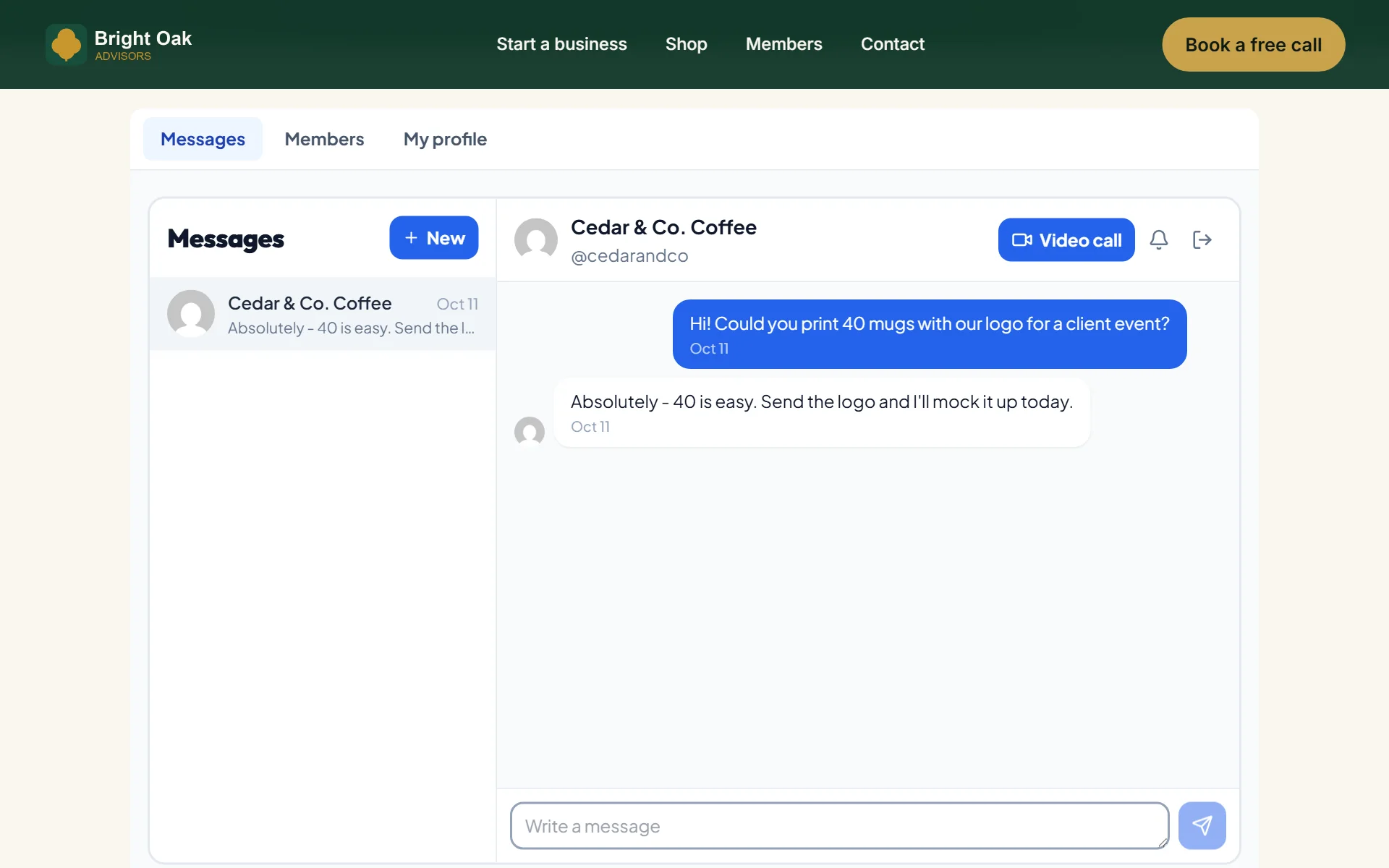
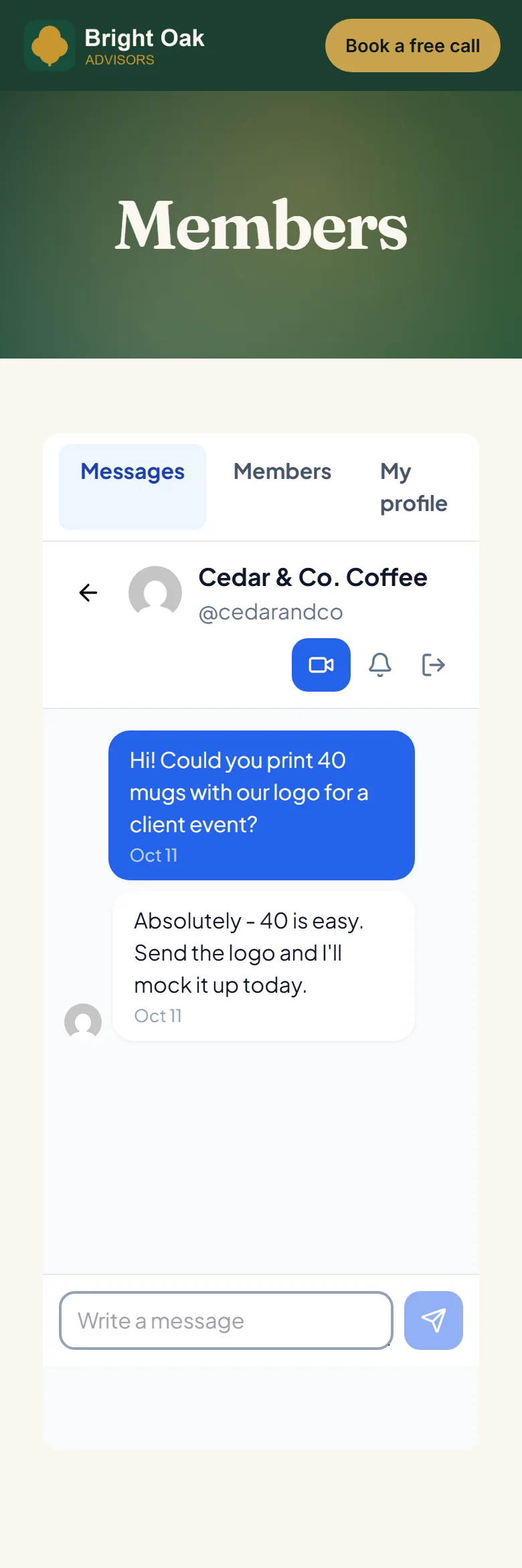
- 6
The other member replies from the same page
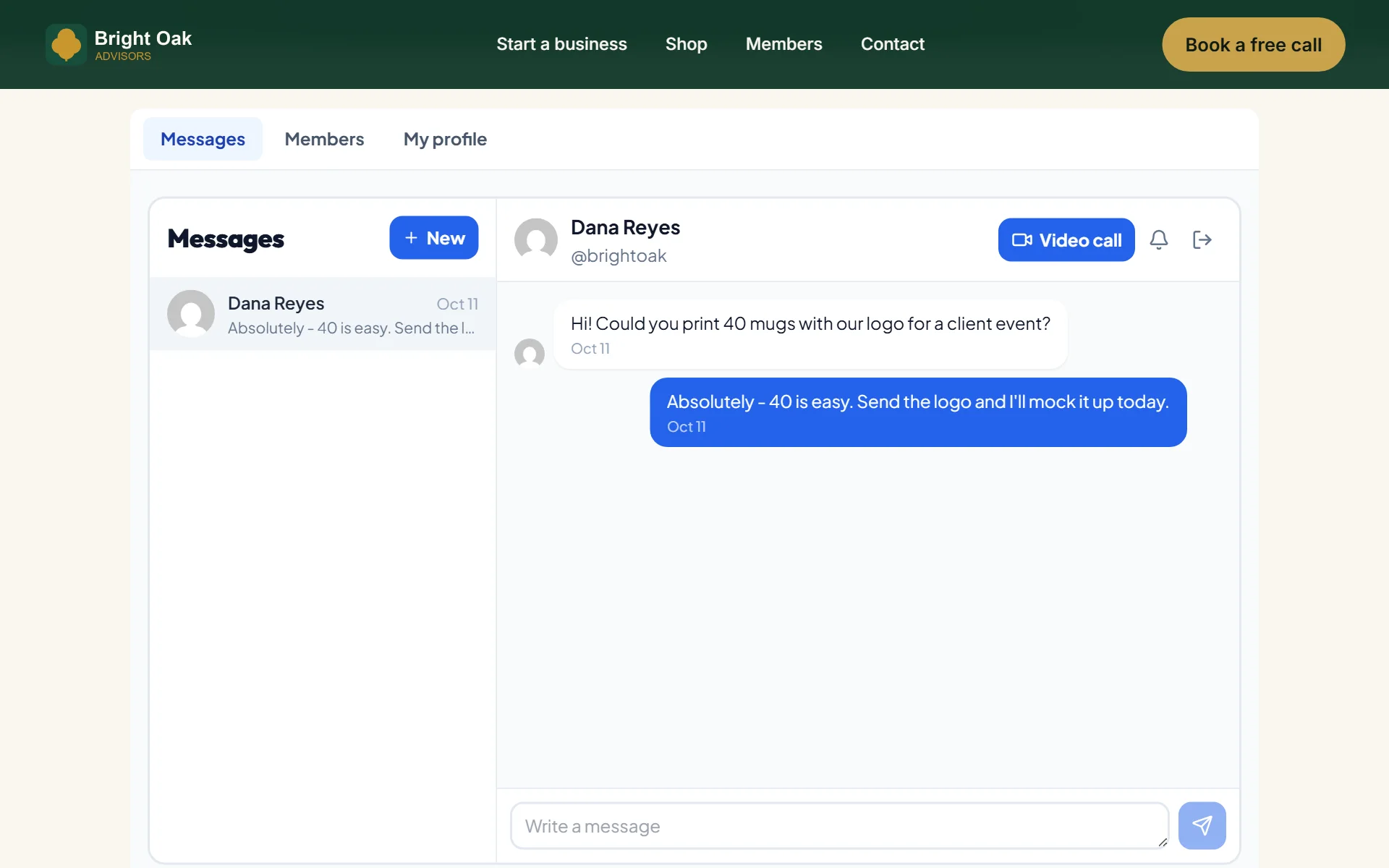
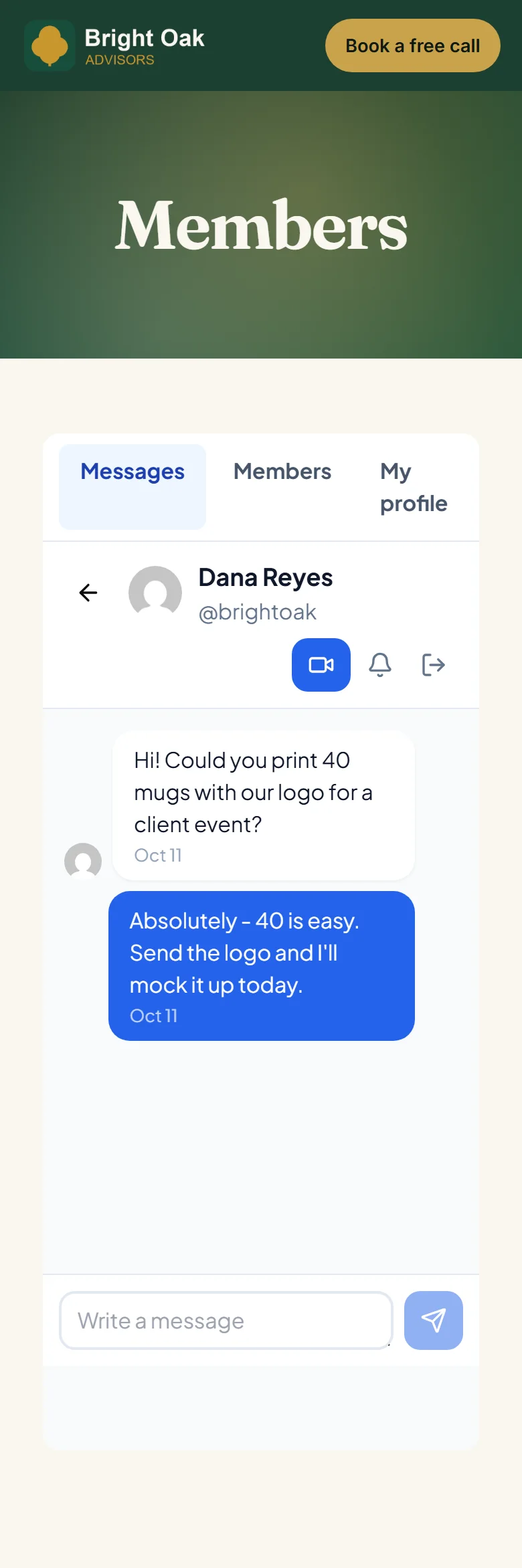
- 7
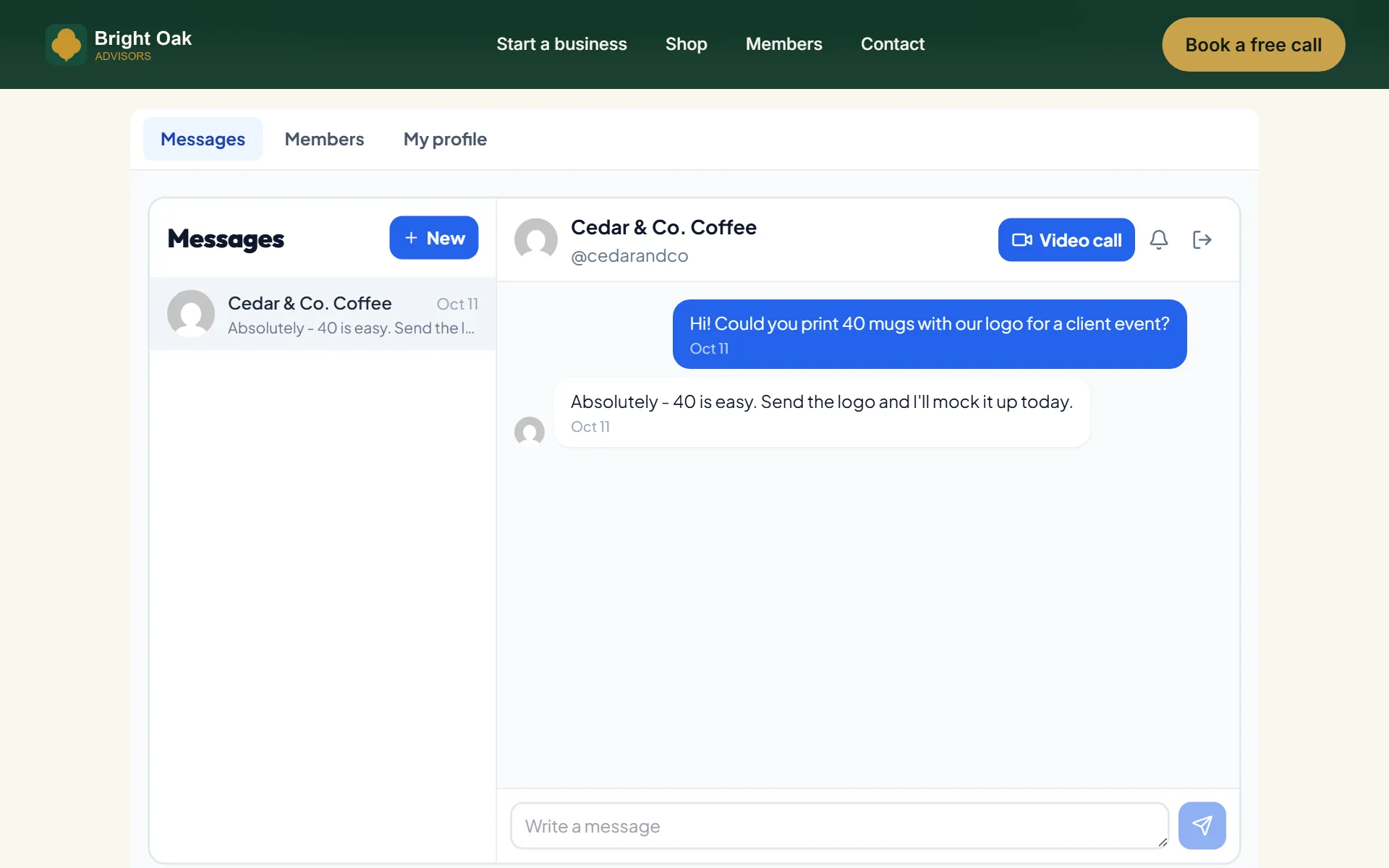
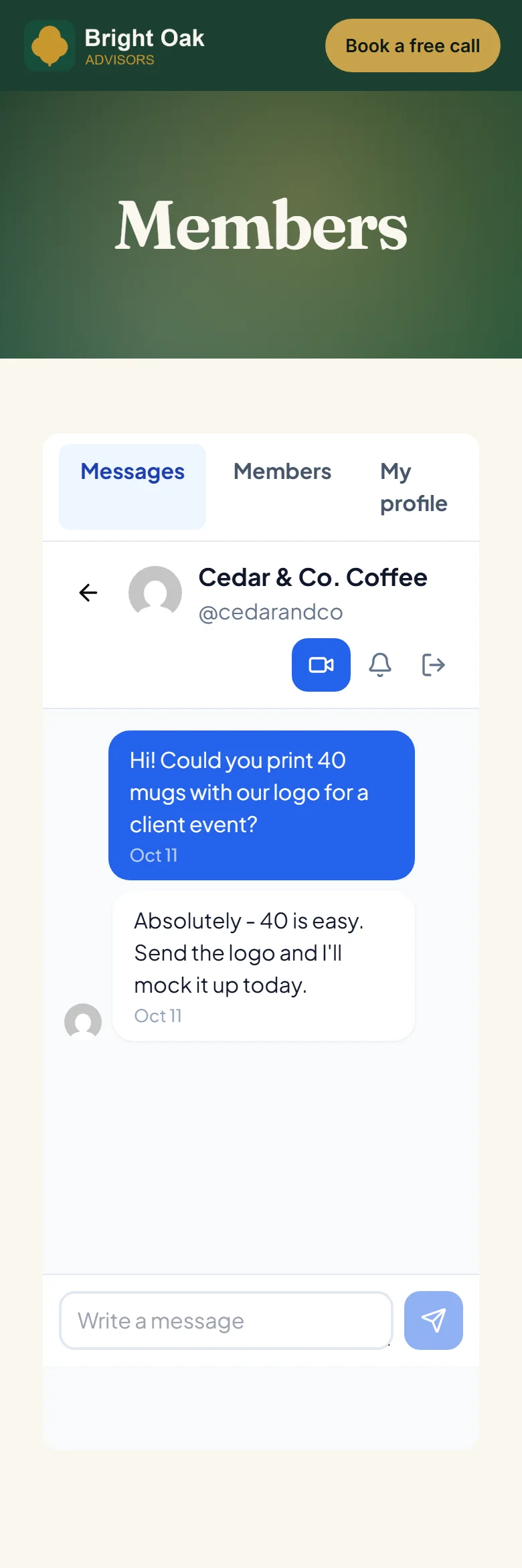
Members message each other right on your site
- 8
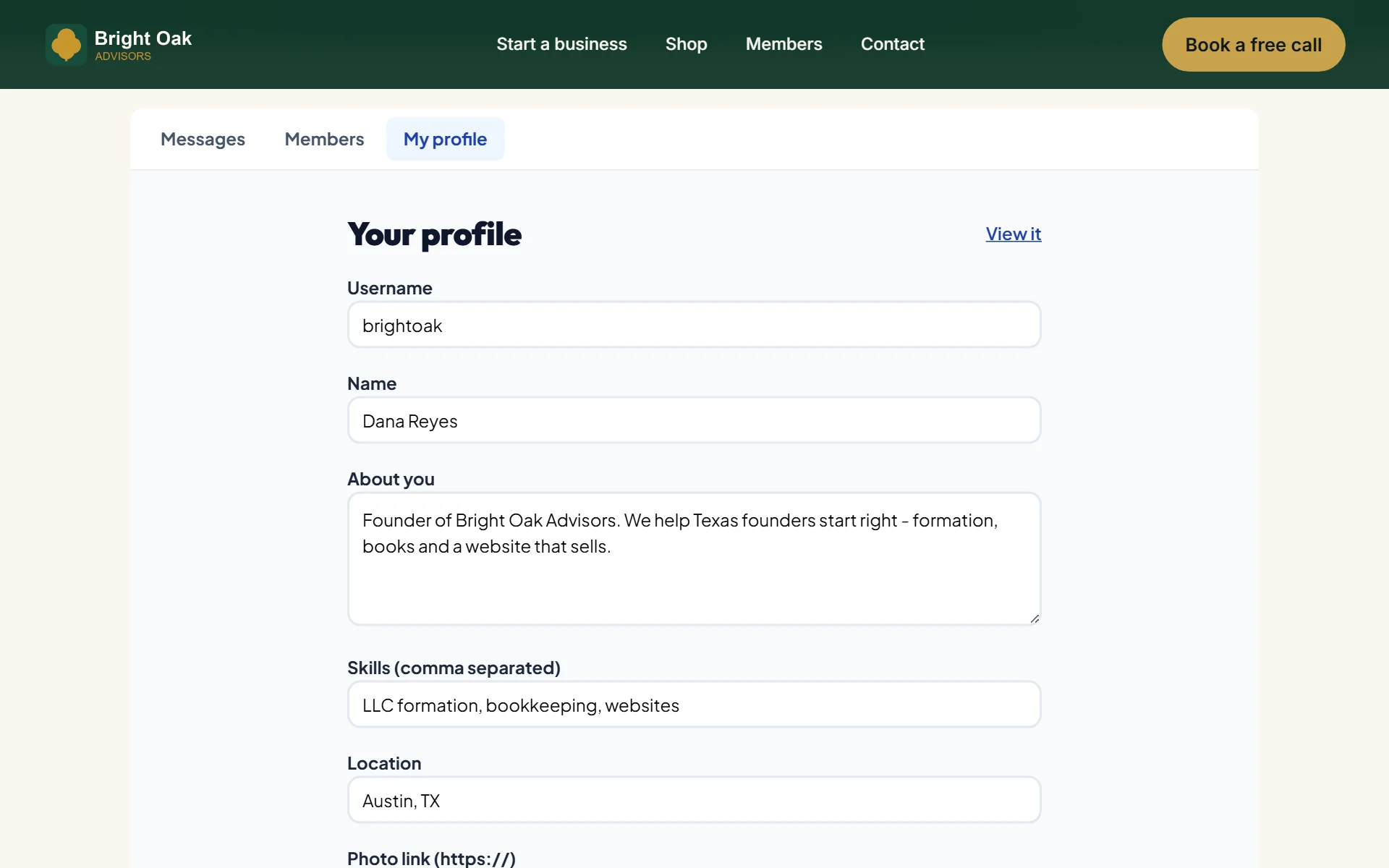
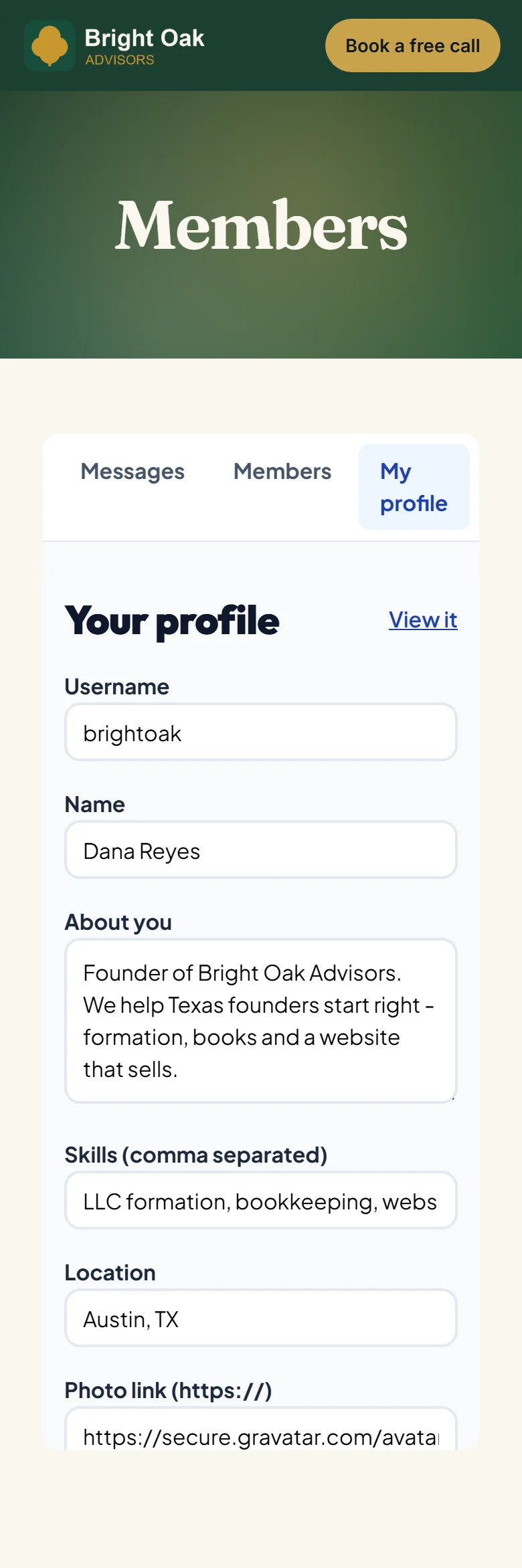
Members edit their own profile and links
- 9
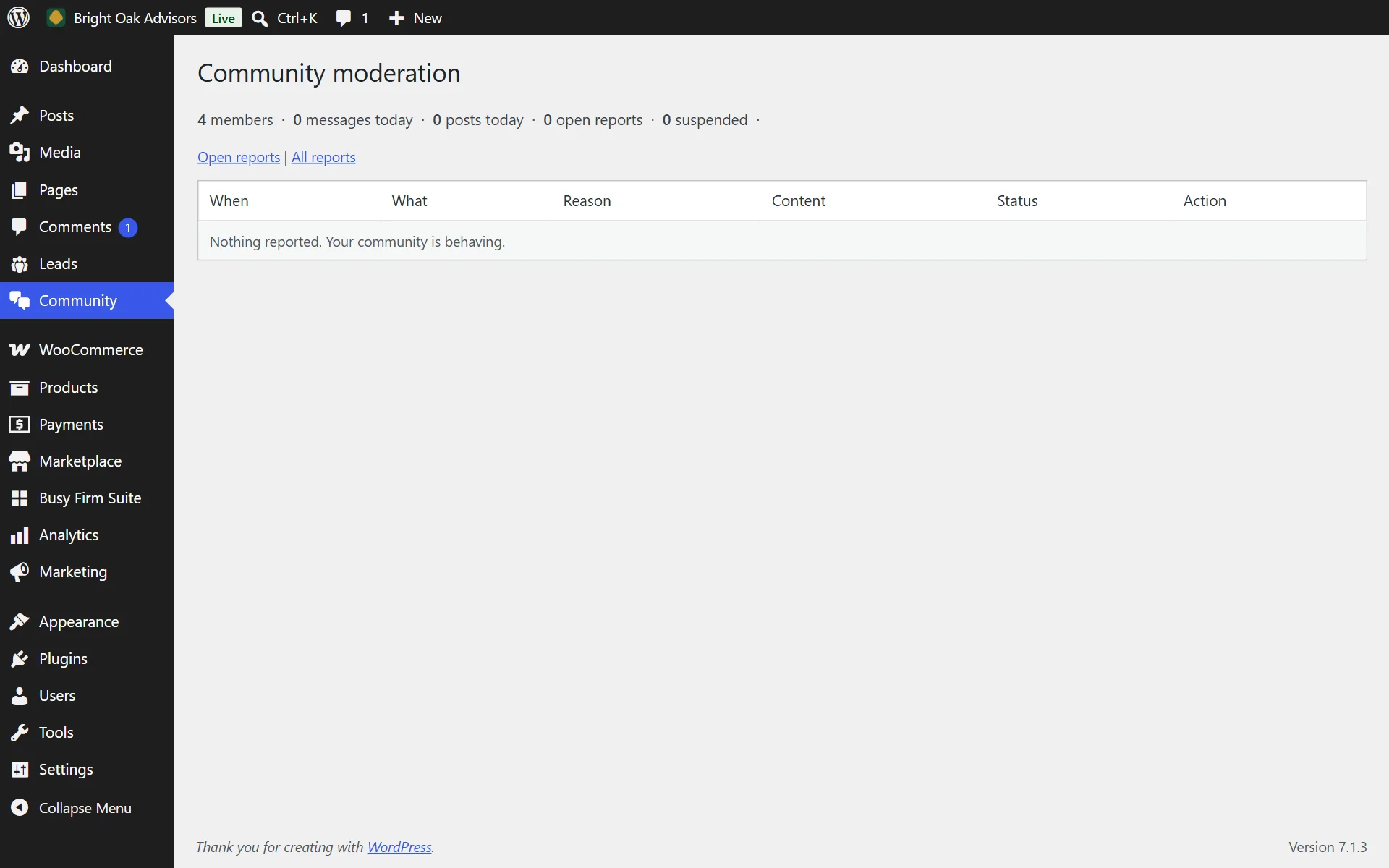
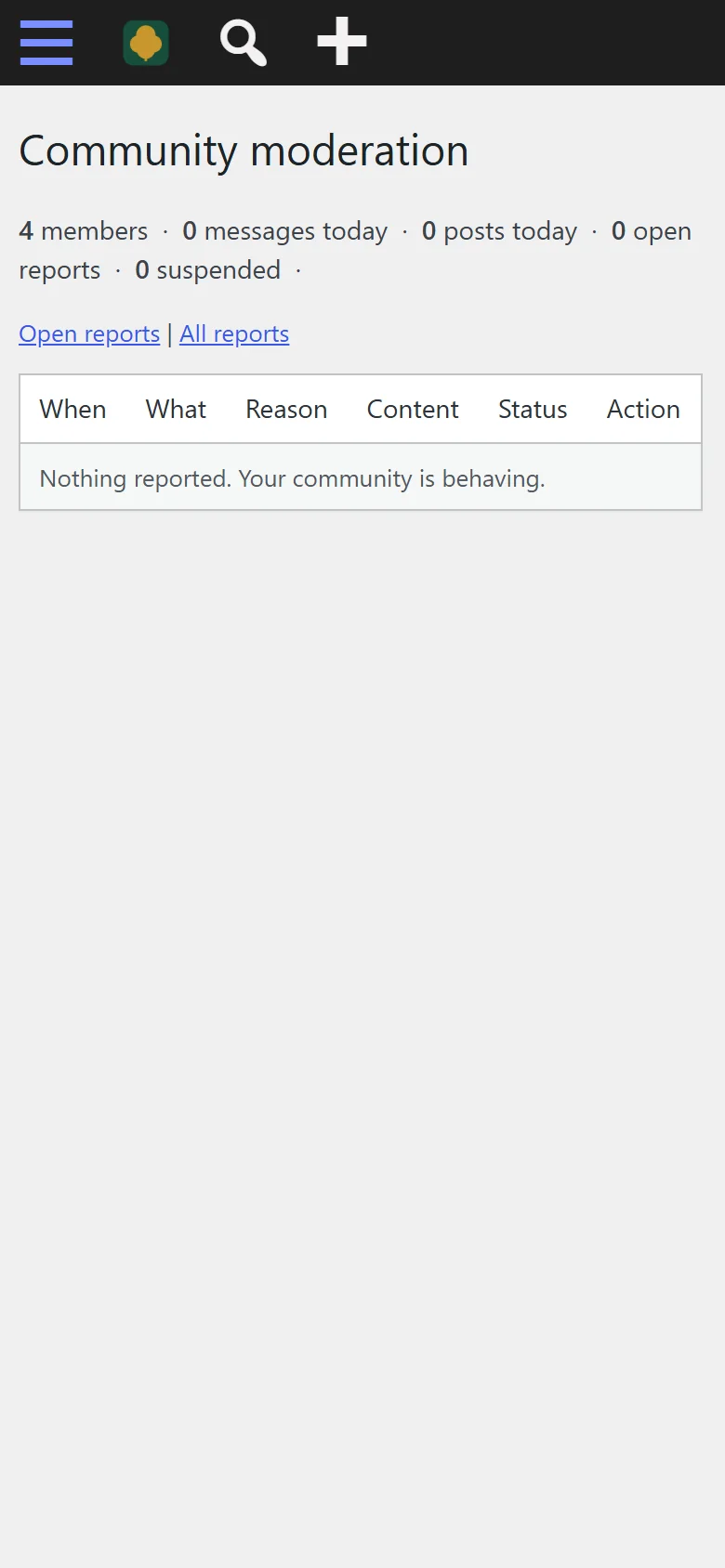
Moderate reports from your WordPress admin
- 10
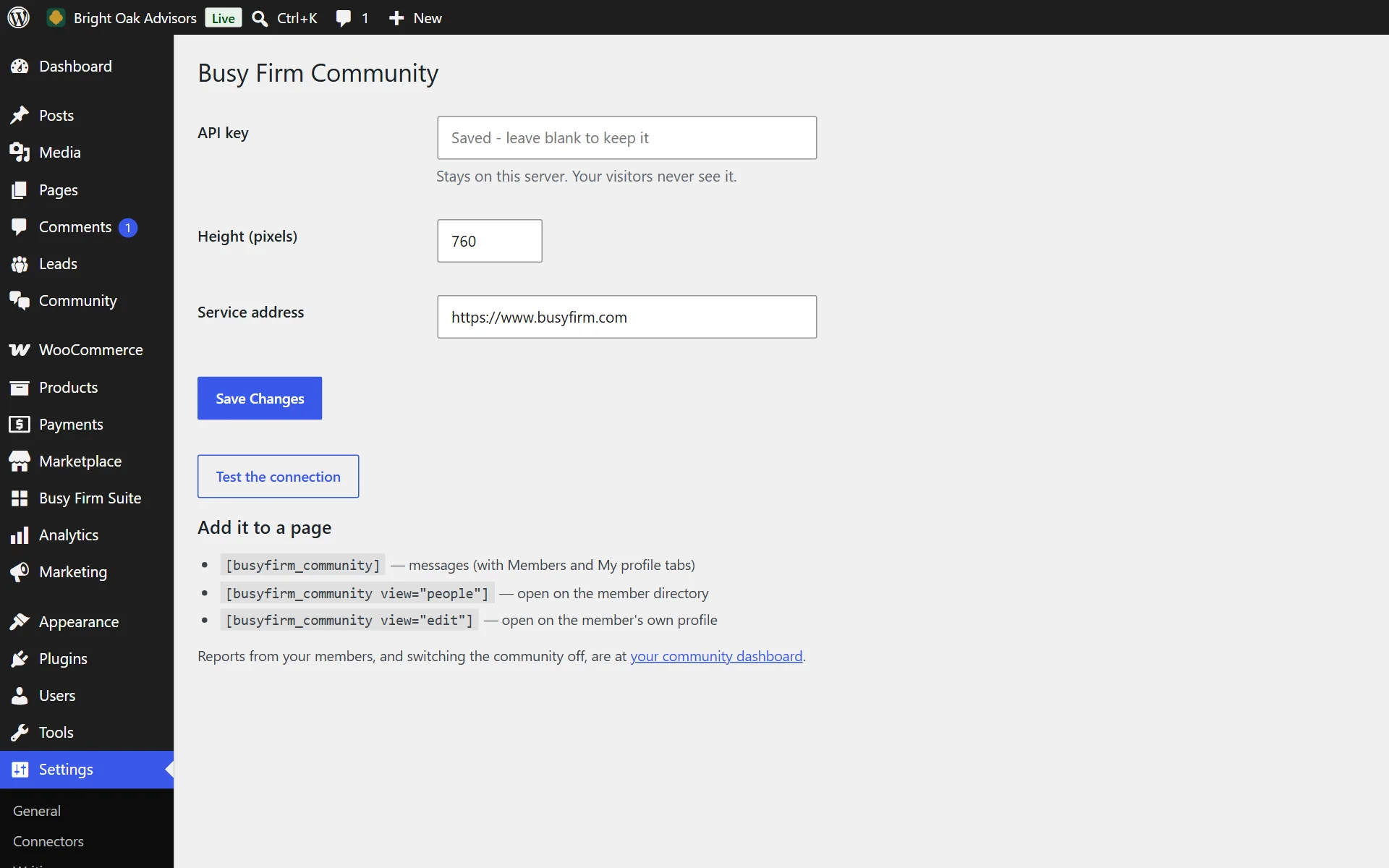
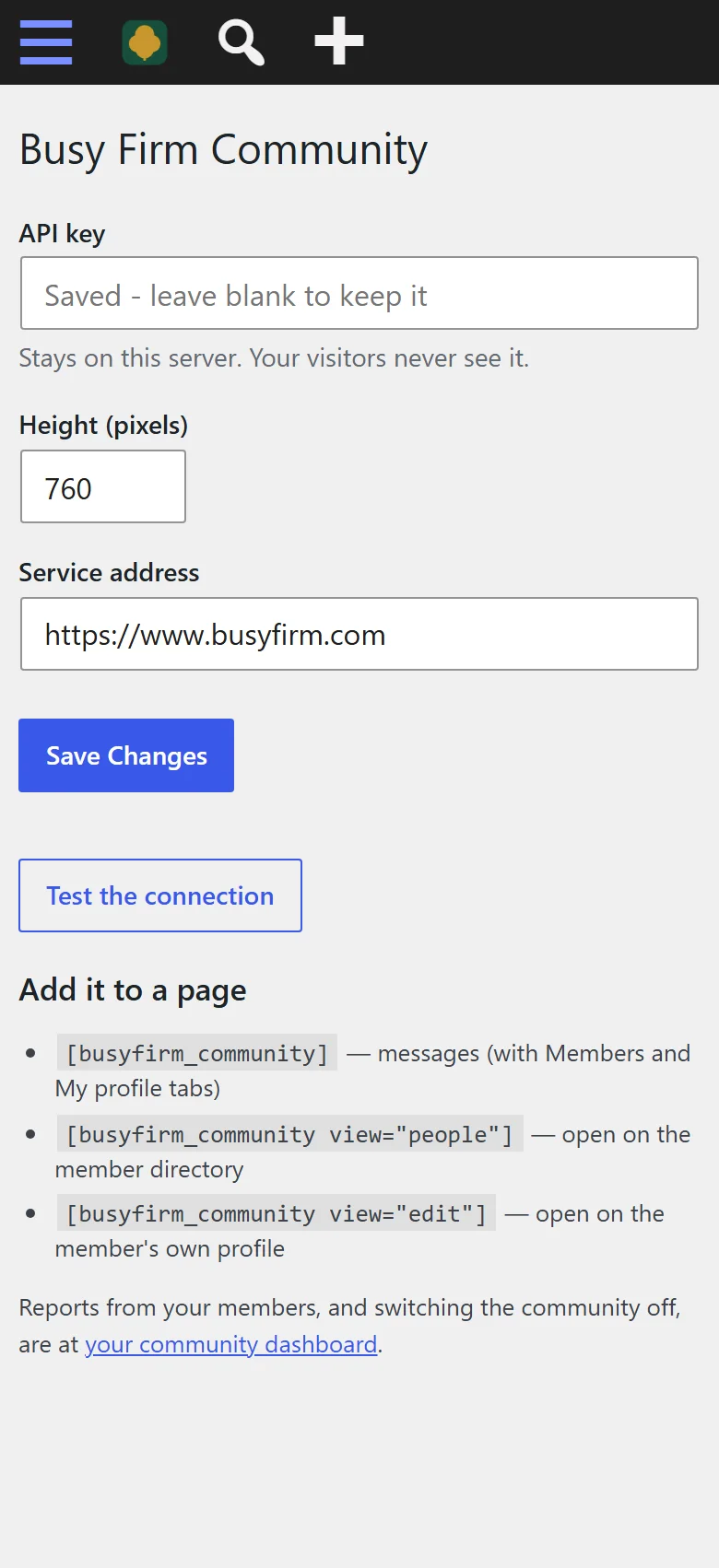
Paste your key - that is the whole setup
- 11
Find members by name, skill or what they do
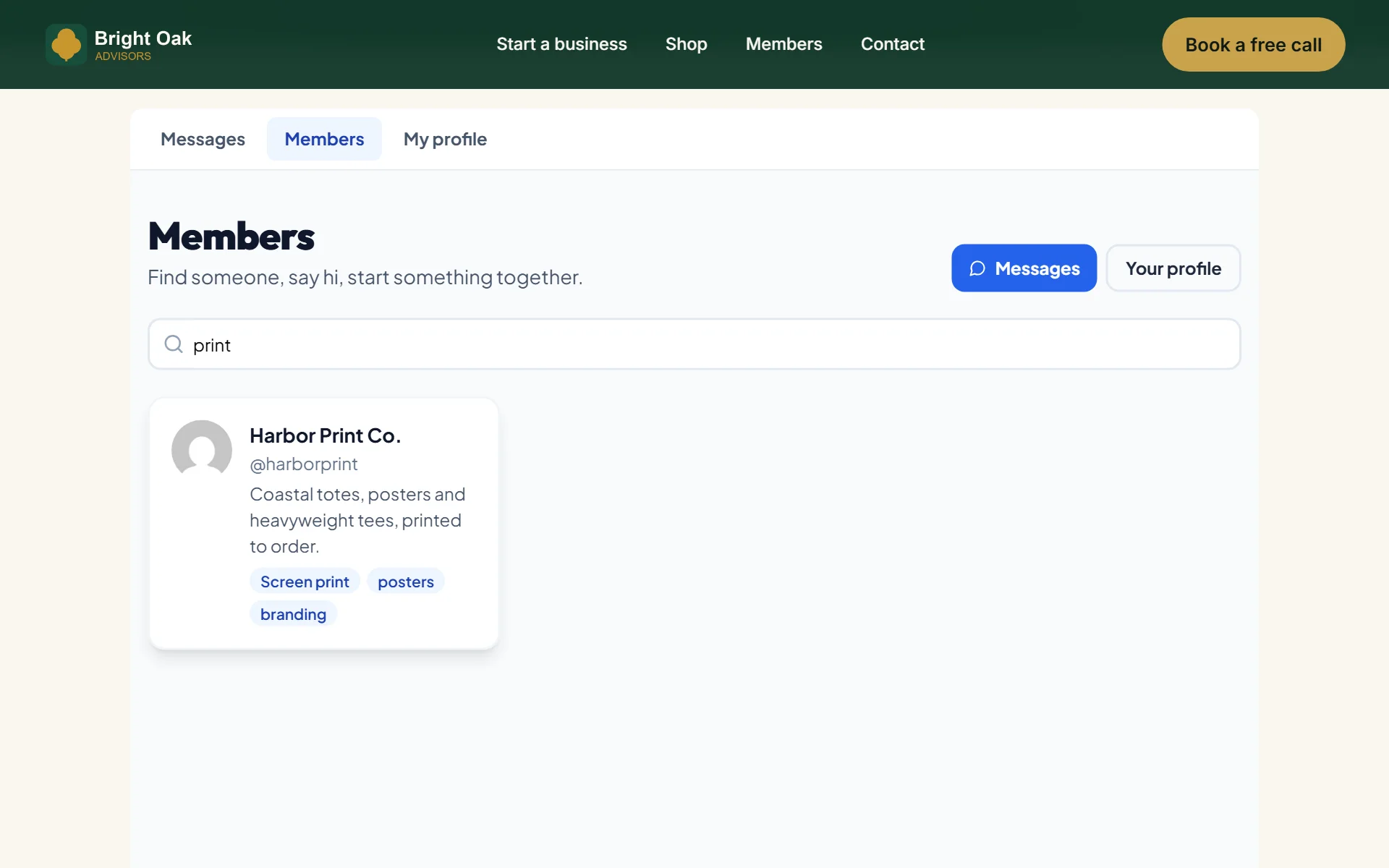
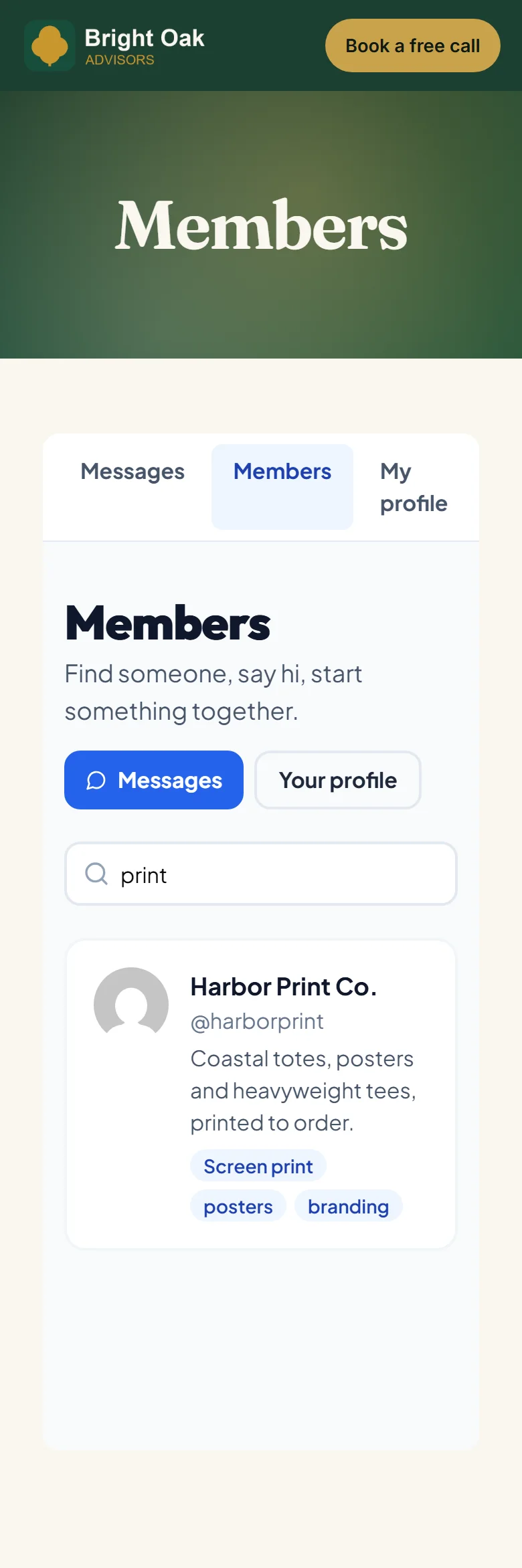
- 12
Installed and active like any WordPress plugin
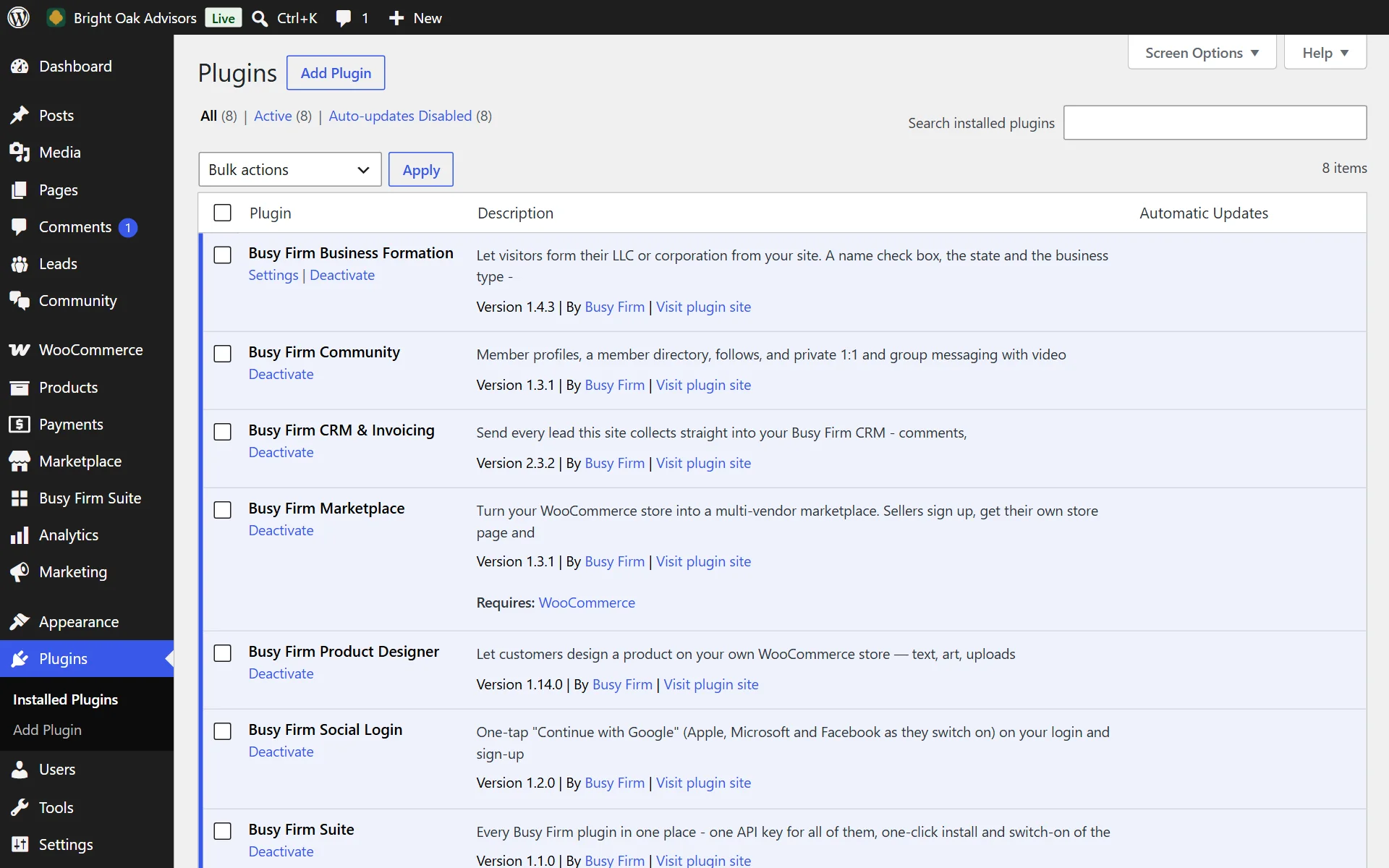

Everything it does
20 features, all included
Members 6
- A profile for every member, filled in from their WordPress name and picture
- Skills, location and what they do on every profile, so members find the right people
- Posts and photos on every profile
- Follow anyone and see what they share
- A member directory with search by name, skill or what they do
- Members use their existing WordPress login - nothing new to sign up for
Talk 5
- Private 1:1 conversations that update live, with unread counts
- Group chats for teams and projects
- A video call from any conversation, in the browser - up to four people, no app to install
- Book a call with a member straight from their profile
- One inbox for every conversation
Safety 5
- Each member chooses who can message them
- Block and report in one tap
- Moderate from WordPress: see what members reported, remove it, suspend or ban - one click
- Your members only ever see your community - never another site's
- Switch the community off any time
On your site 4
- Blocks for the block editor and widgets for Elementor - drop the whole community on a page, no code
- One-tap sign-in on the "Log in to message other members" prompt when Busy Firm Social Login is active
- Runs on Busy Firm, so there is nothing to host or scale and your site stays fast
- With Busy Firm Marketplace: "Message the seller" opens the seller's profile, a Shop button goes back to their store, one follow covers both, and new products reach the feed
Who it is for
Associations, mastermind groups, courses and membership sites that want members talking to each other.
Live in 4 steps
- 1Install and activate the plugin.
- 2Create an API key in your account under API keys.
- 3Paste it into Settings > Community and press Test the connection.
- 4Add the community shortcode to any page.
Version 1.3.1 · WordPress 6.0+ · PHP 7.4+
Questions people ask
Do members need a new account?
They use the login they already have on your site.
Can I put it on any page?
Yes - one Gutenberg block, Elementor widget or shortcode puts it on any page.
How do I handle bad behavior?
Members can report or block in one tap; you see every report in WordPress and act on it there.
Is my site hosted with Busy Firm?
Already added. In your account, open Hosting, pick the site and press Switch on and connect - there is nothing to download or paste.
Pick your plan
Every plugin comes free with your Busy Firm account. Try Pro free for 14 days on any site - cancel any time.
On Busy Firm Business Hosting? Every Pro feature is already included on your sites.
What's new
Current version 1.3.1
Version 1.3.12026-10-11Latest
- The community now shows at its full height on every page (it could appear as a thin strip).
- Names with an & in them now show correctly on profiles.
- Faster start on slow hosts: the community asks your site for a session once, not over and over.
Give your members a reason to log in every day.
Free with your account. Install it in minutes - your first result shows up today.