
Busy Firm CRM & Invoicing · WordPress
Every lead from your website, in a CRM that gets you paid.
Contact forms, comments and chats on your WordPress site become clients in your Busy Firm CRM - with the deal, the follow-ups, the quote and the invoice right next to them.
Needs a CRM plan- Free - CRM Team in All-in-one
- Works with any theme
- Live in 4 steps
0%
platform fee on invoices
$12
a month for the CRM - plugin free
8
tools from lead to paid
2
copies of every lead - CRM + WordPress
Why firms switch to it
No lead slips through
Forms, comments and chats are captured the second they arrive. If the connection blips, the plugin retries every hour until it lands.
Paid faster, no cut taken
Quotes clients accept online, invoices they pay by card - and 0% platform fee on every plan. You pay standard card processing only.
Your data, twice
Every lead lives in your CRM and, if you want, a copy stays in your own WordPress with a CSV export.
See it working
Real screens from a WordPress site running it - on a computer and on a phone, nothing mocked up. Tap any to look closer.
On a computer
On a phone
Swipe for more screens →
How it works
- 01
Install and paste your key
Add the plugin, paste the API key from your account, and it connects on the spot.
- 02
Leads land by themselves
Every form, comment and chat on your site becomes a contact with a deal - and a copy stays in your WordPress.
- 03
Quote, invoice, get paid
Send a quote they accept online, turn it into an invoice, and get paid by card - no platform fee on any plan.
Step by step
Busy Firm CRM & Invoicing, one screen at a time
12 steps from first click to done - real screens on a computer and on a phone.
- 1
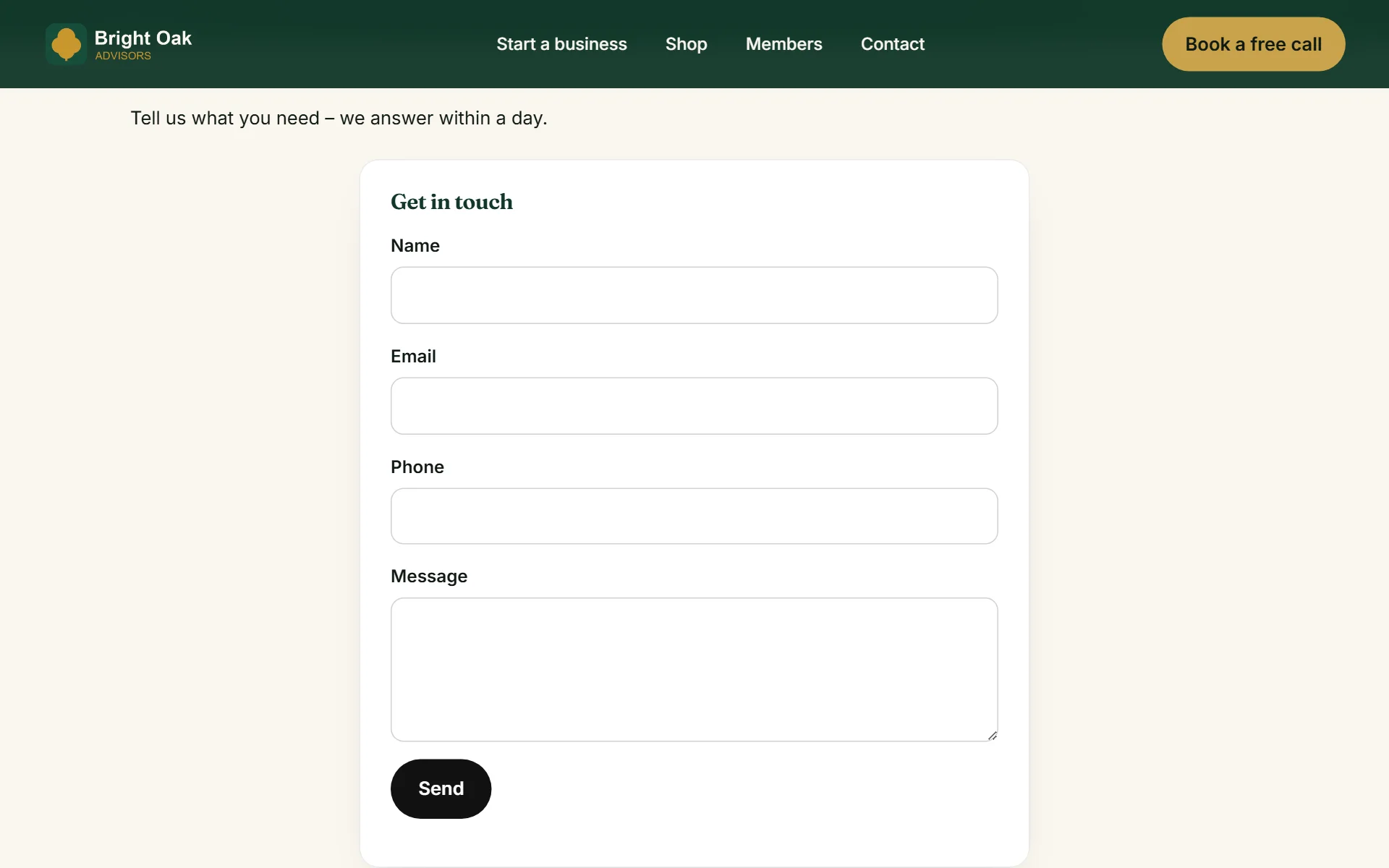
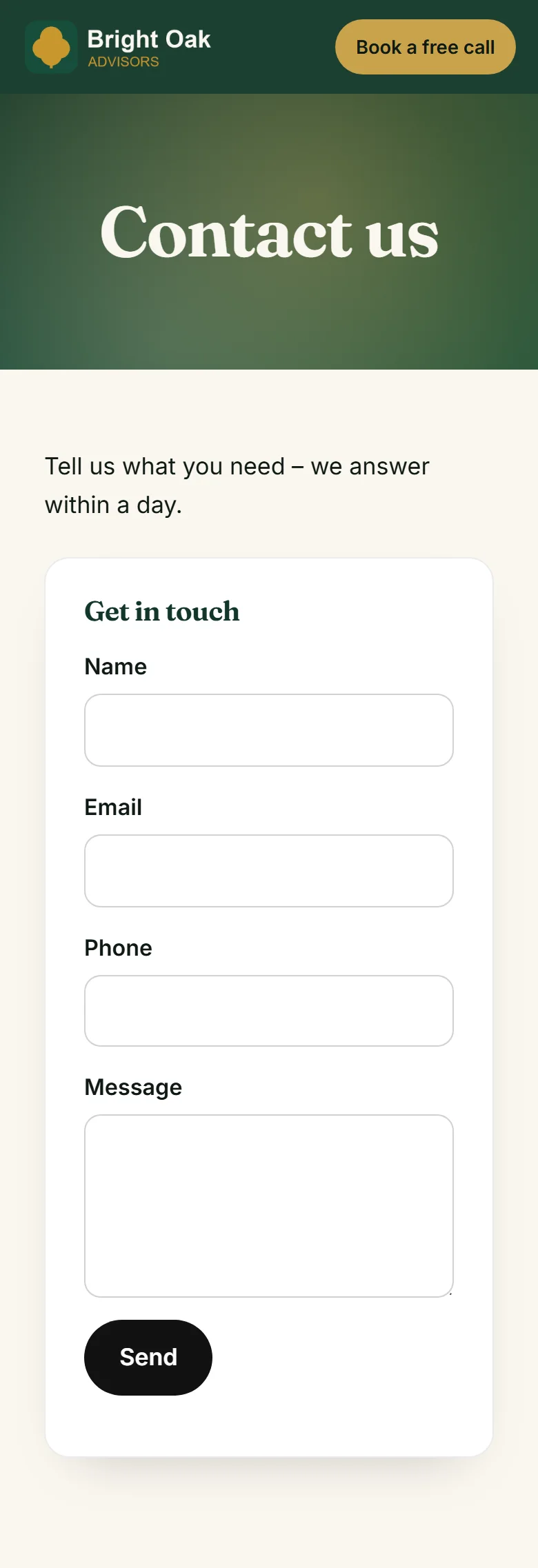
A contact form in your theme - every message becomes a lead
- 2
Visitors fill it in on your site
- 3
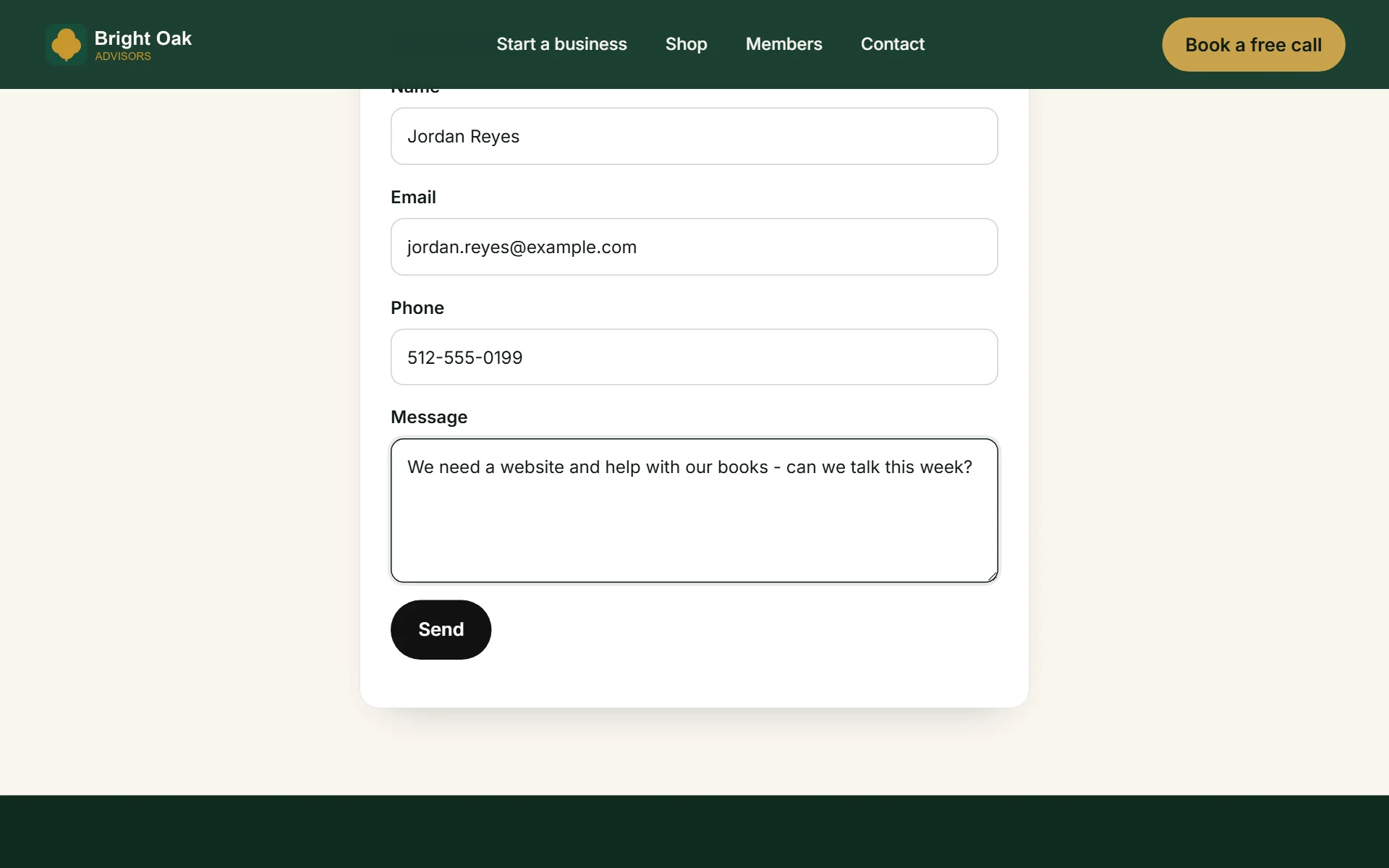
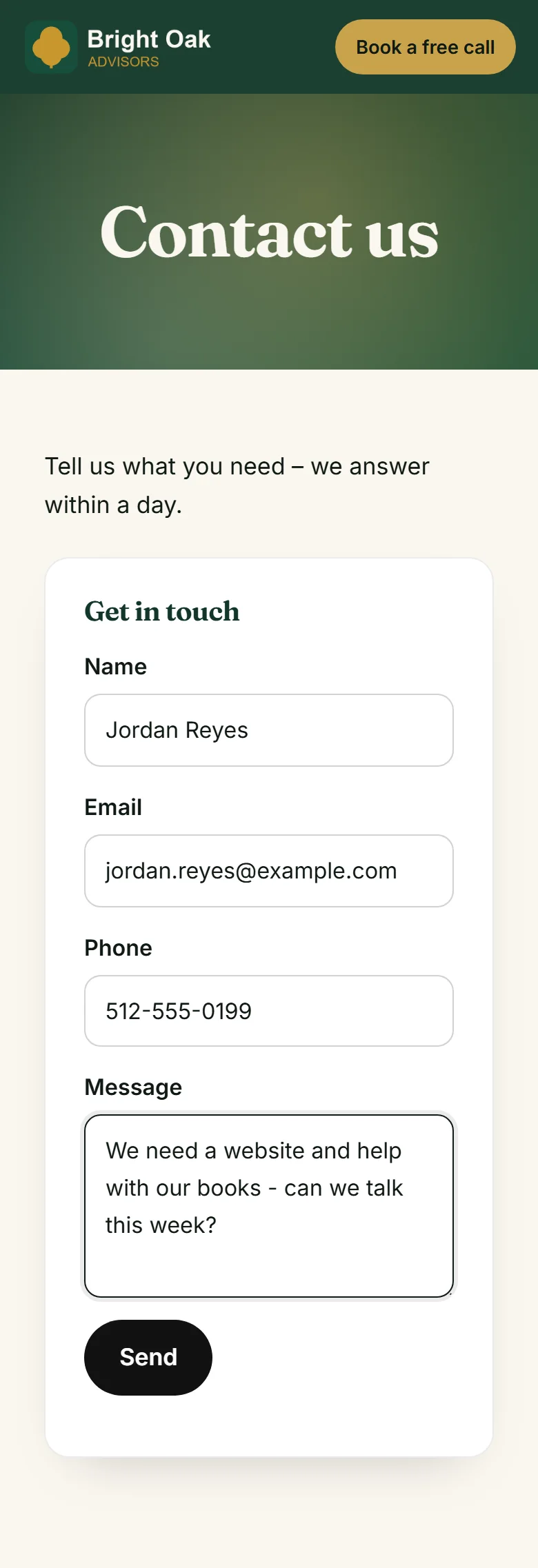
Sent - and in your CRM a second later
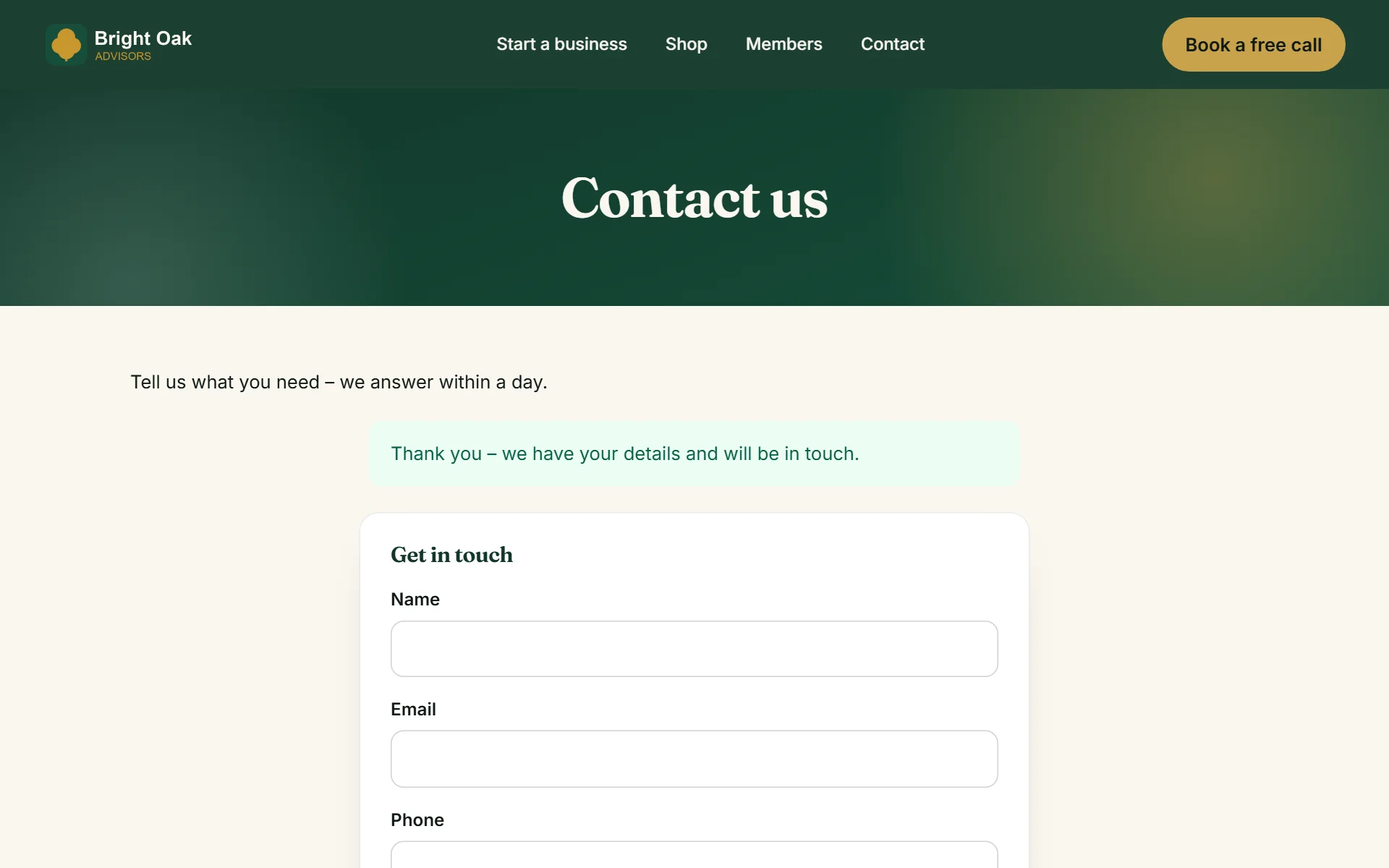
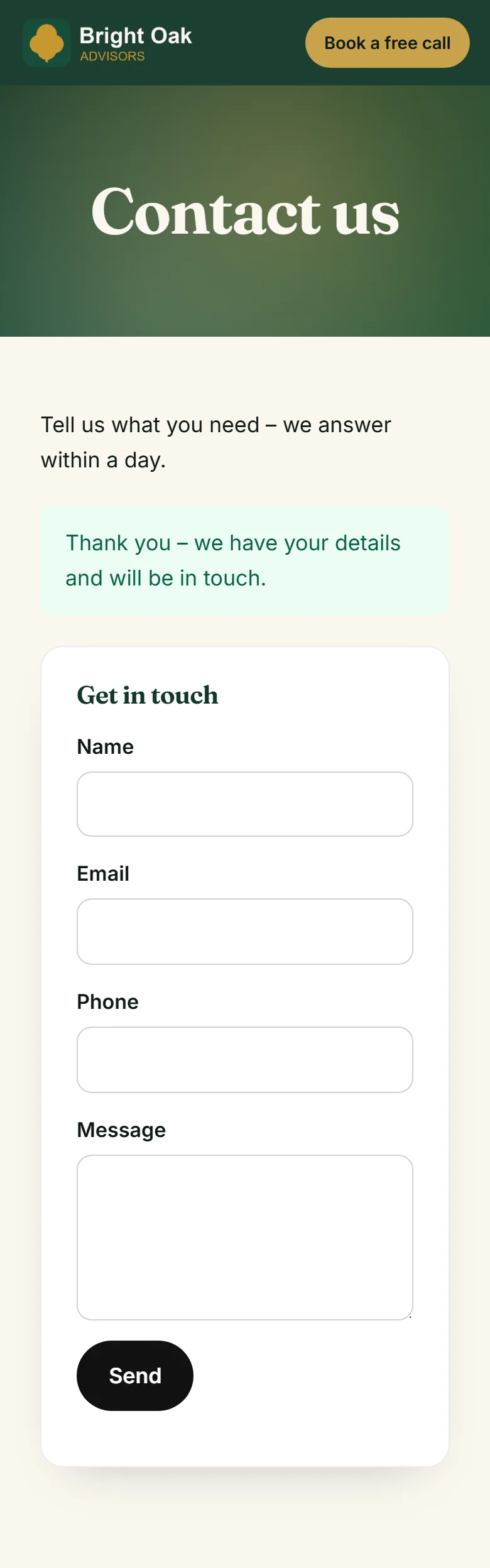
- 4
A shopper checks out in your WooCommerce store
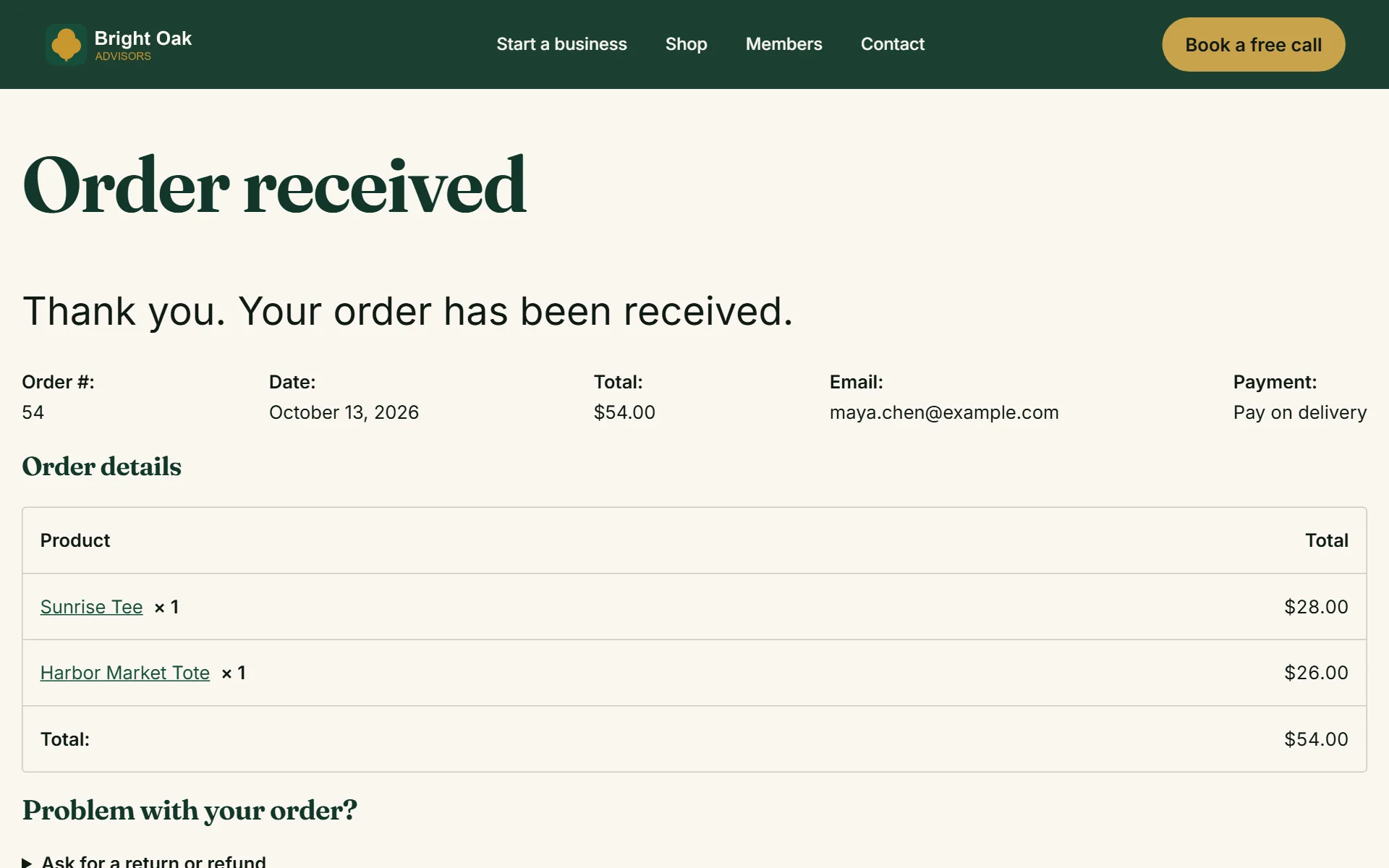
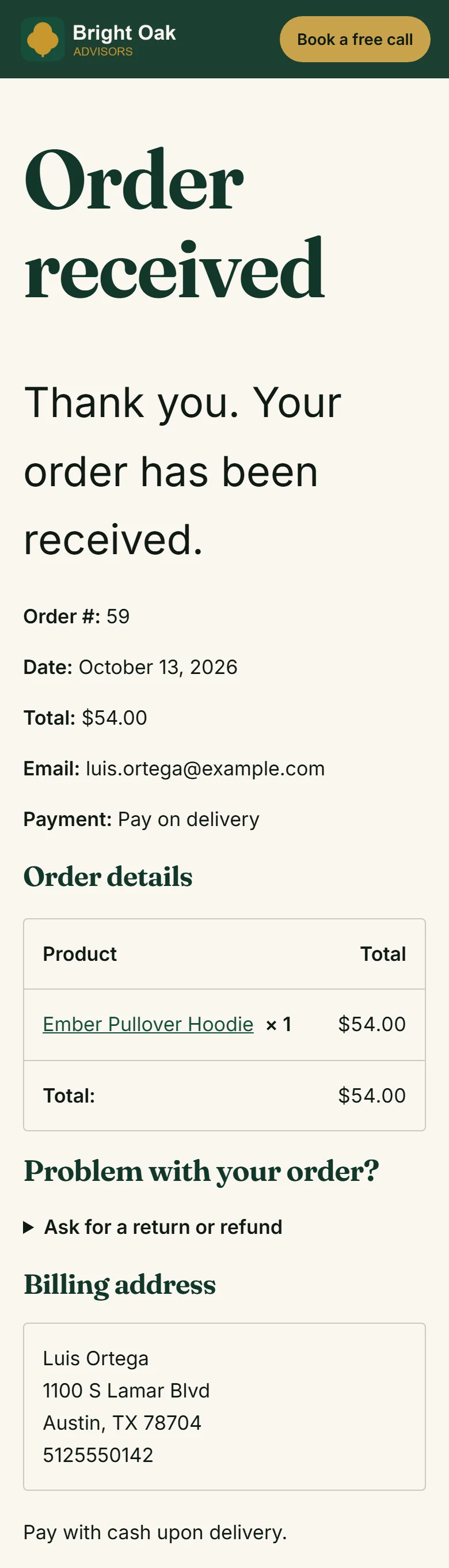
- 5
...and arrives in your leads - a copy in WordPress too, with what they bought
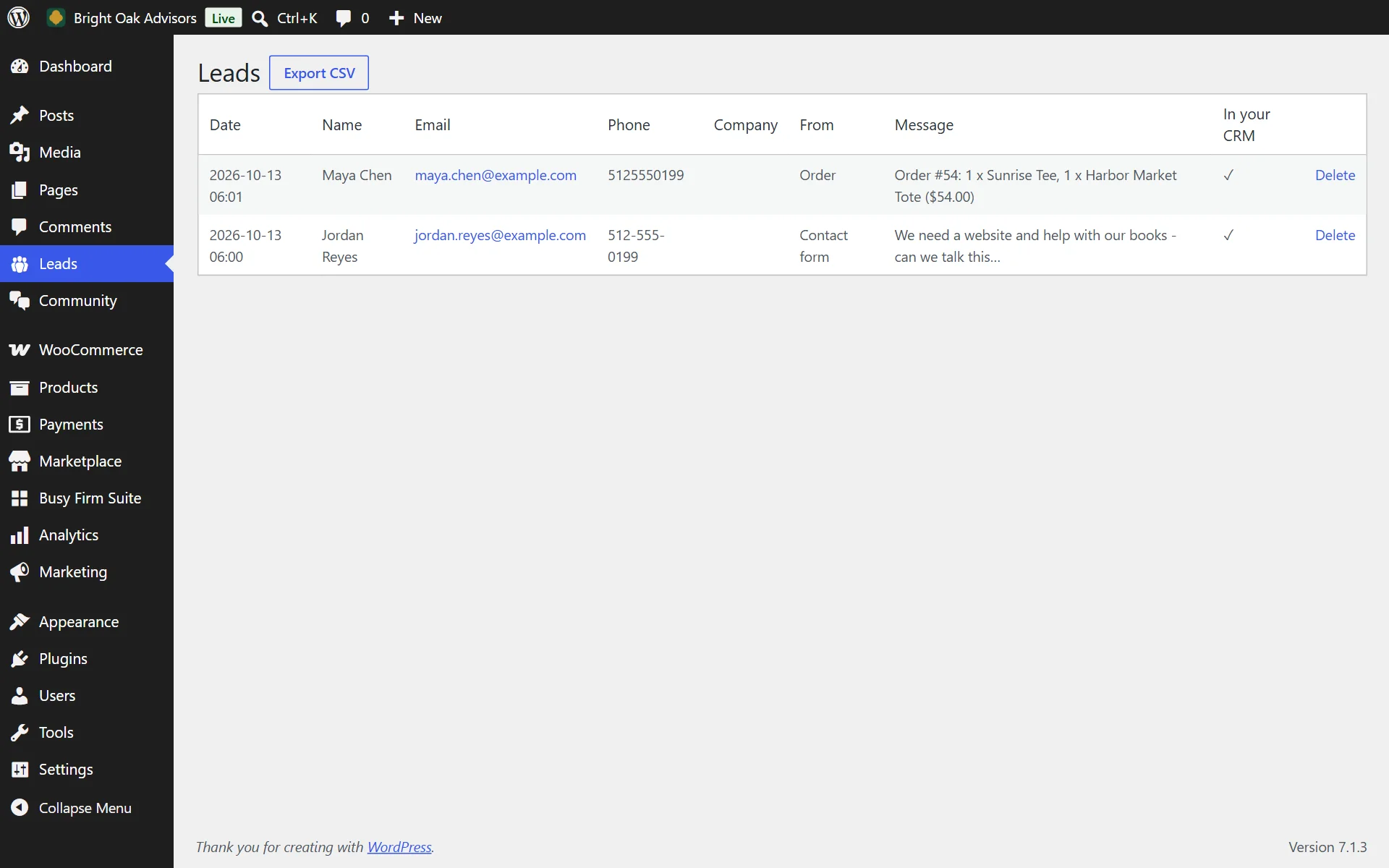
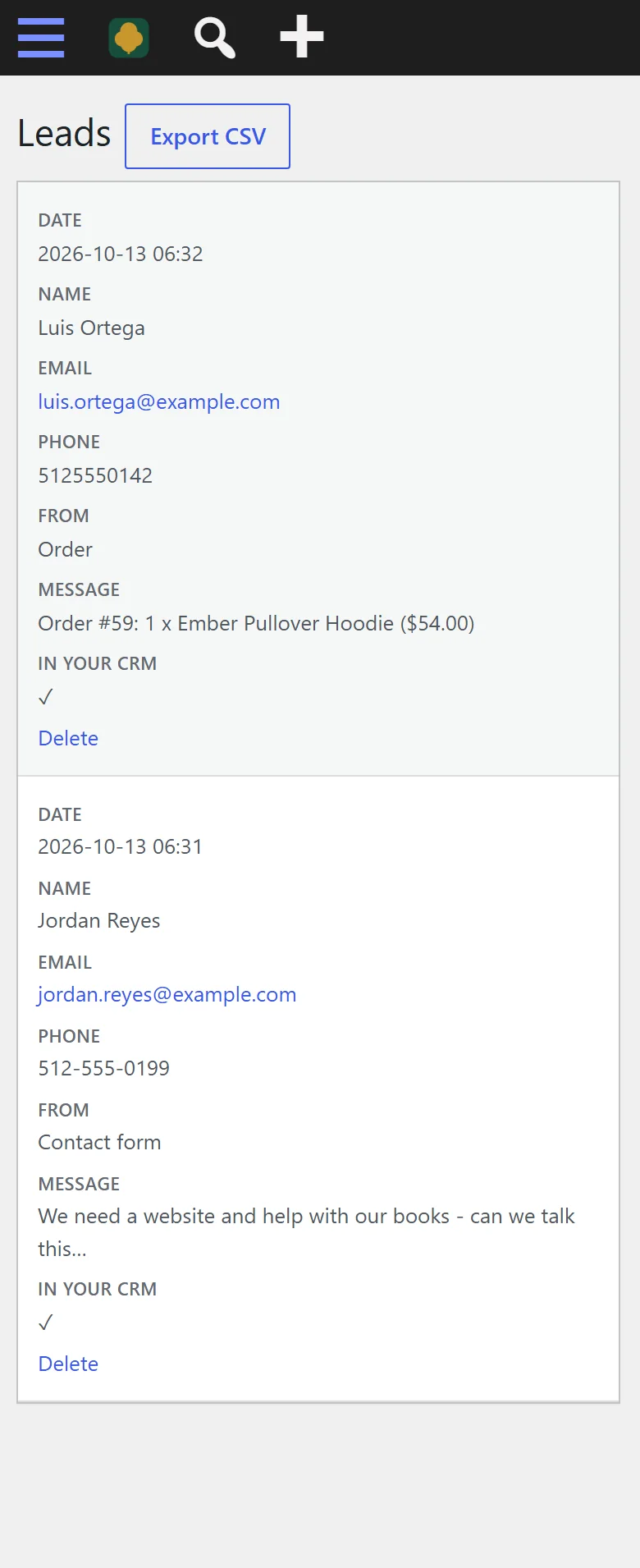
- 6
Paste your connection code - that is the whole setup
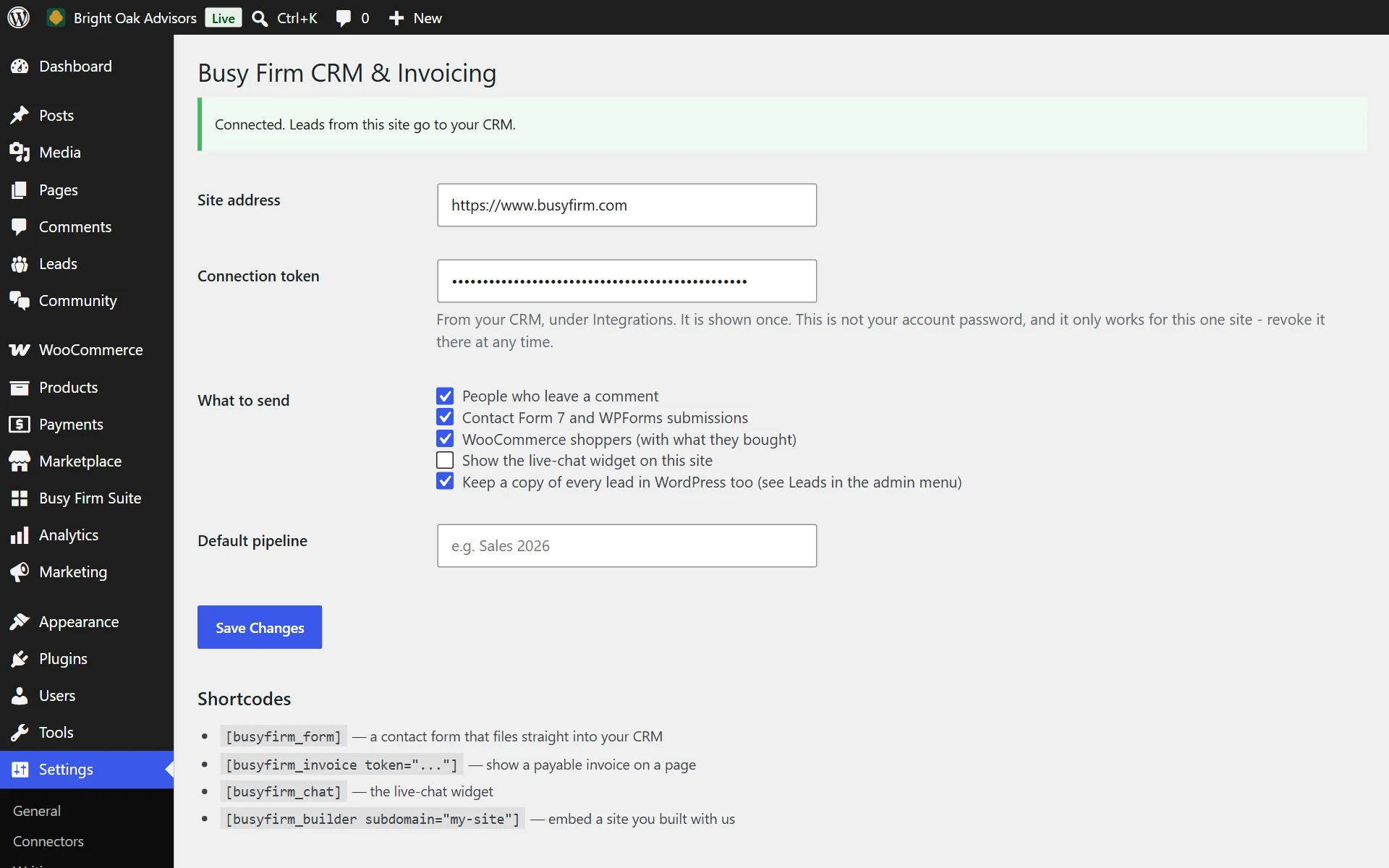
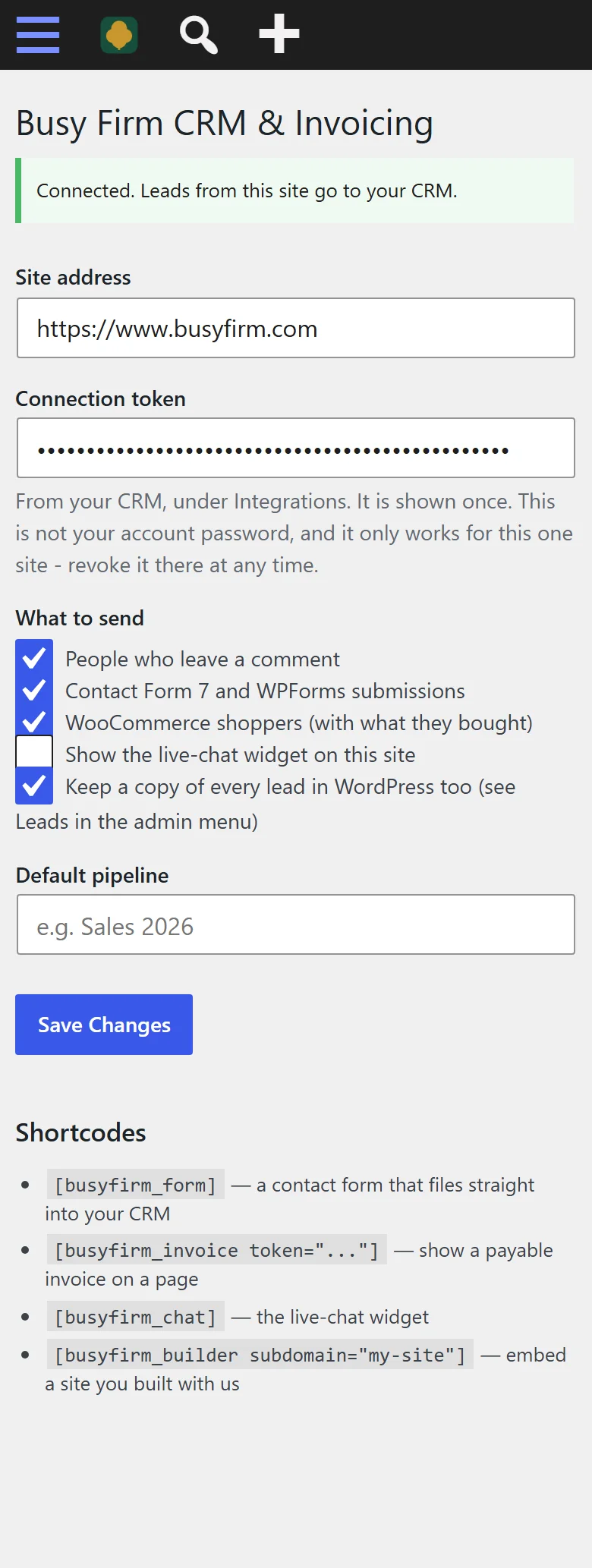
- 7
A reader's question under your blog post...
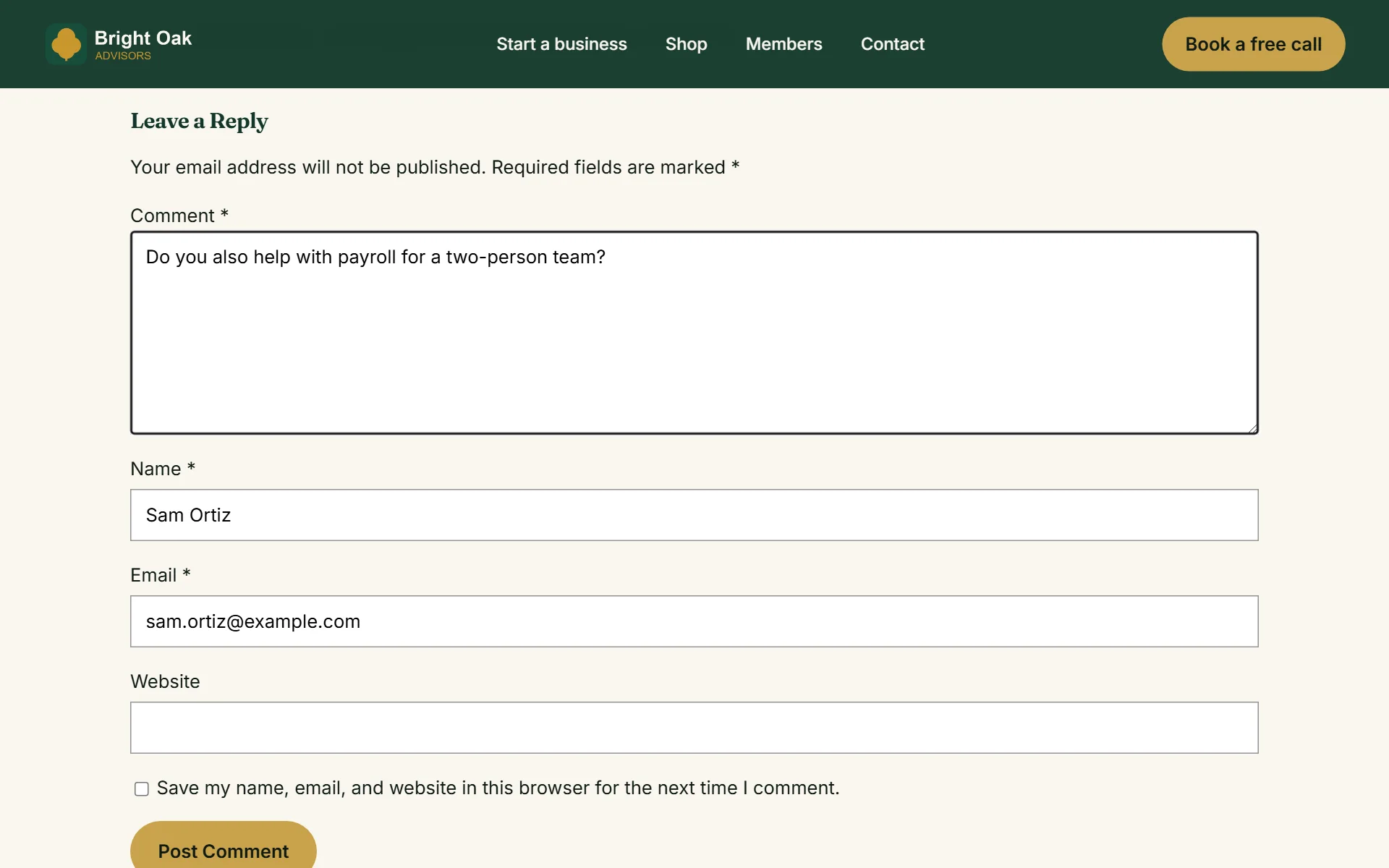
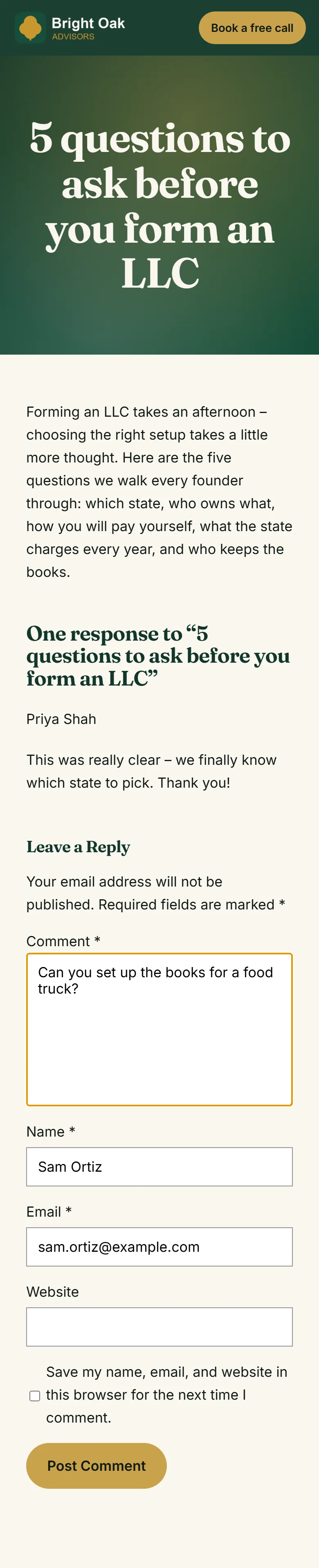
- 8
...arrives as a lead too - forms, orders and comments in one list
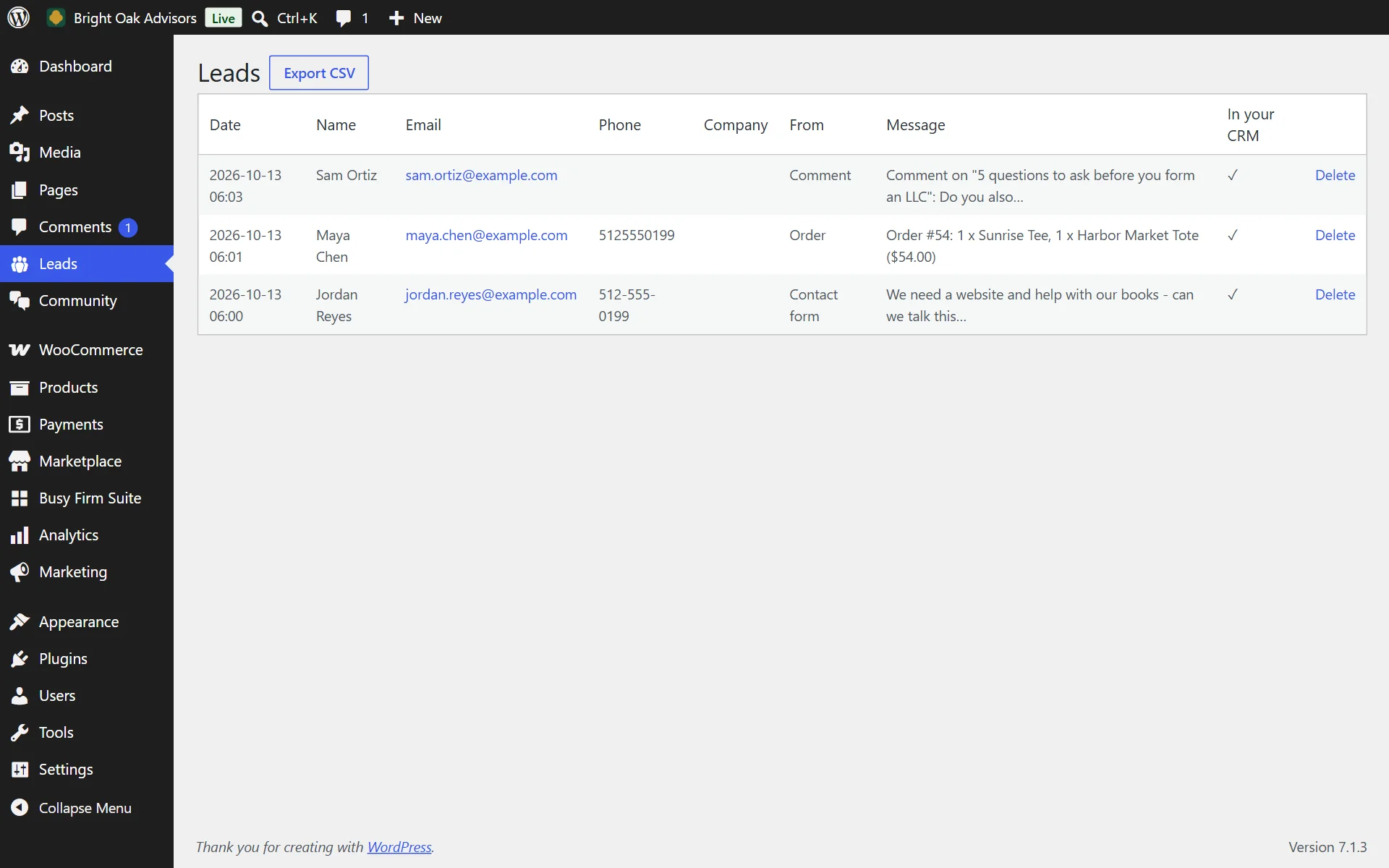
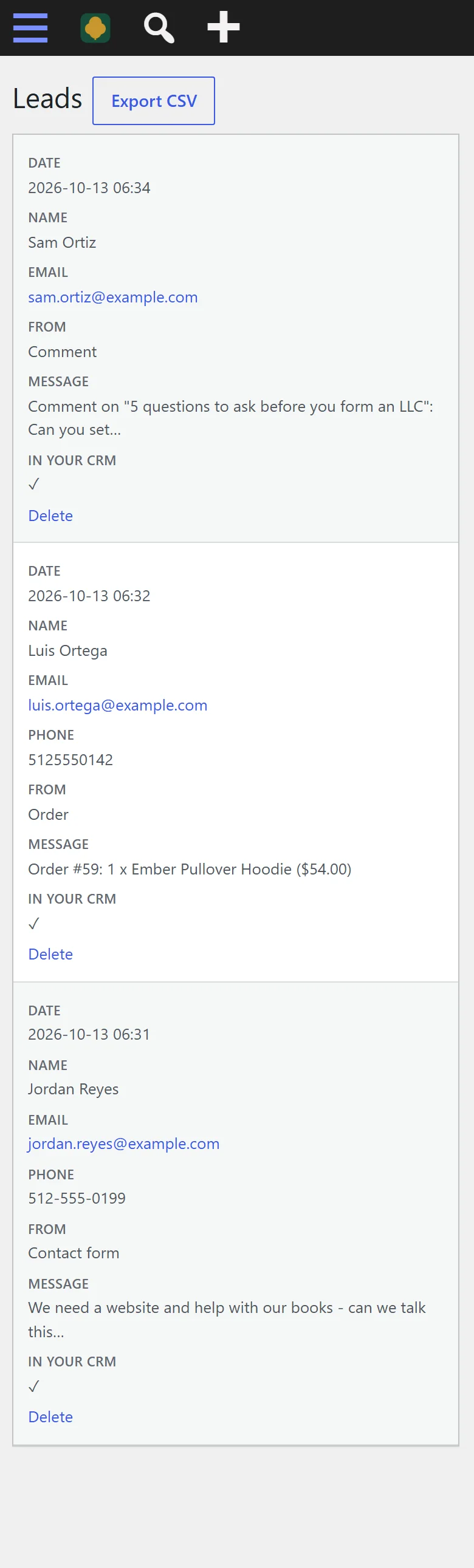
- 9
Put the form on any page - it is one shortcode block
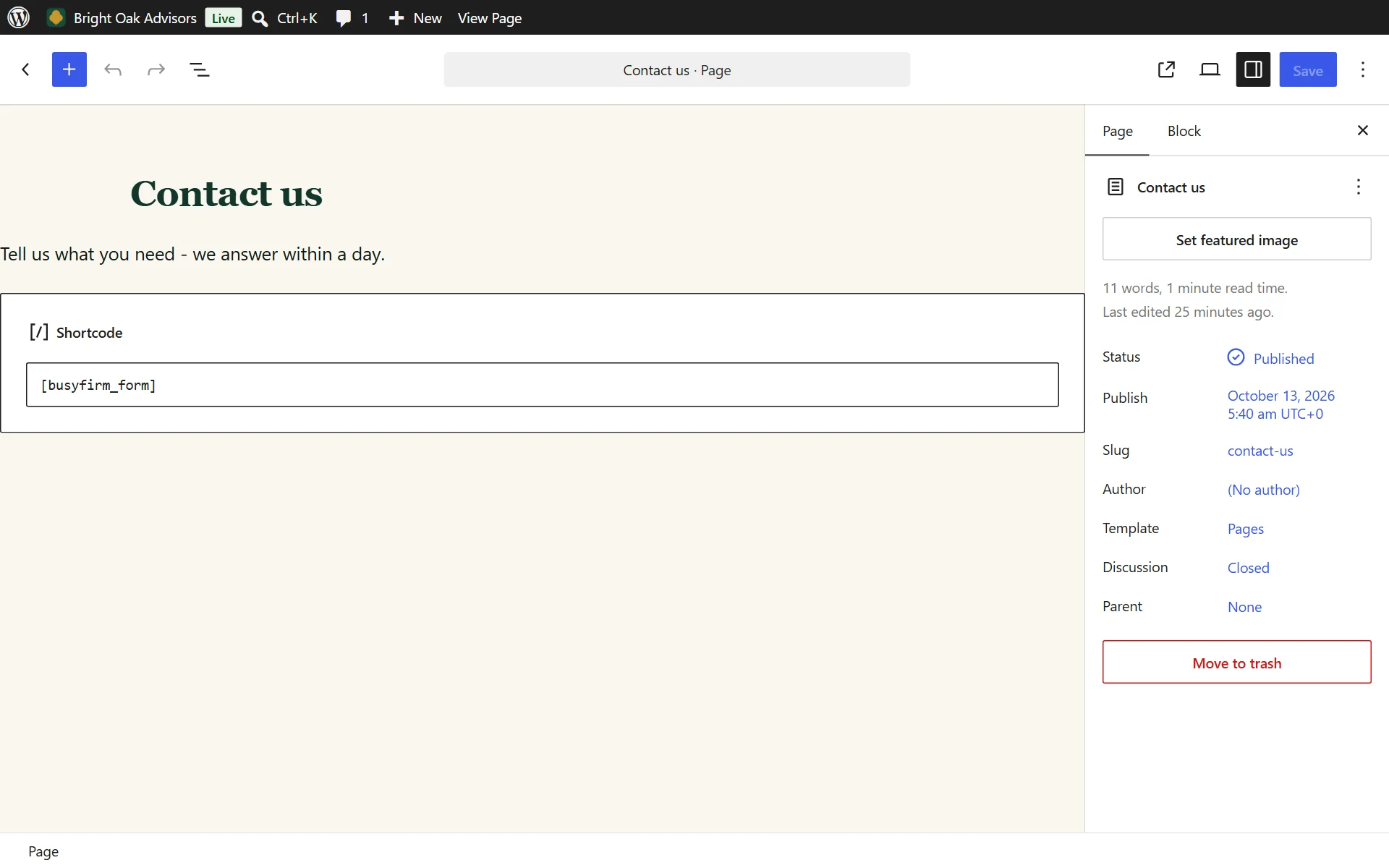
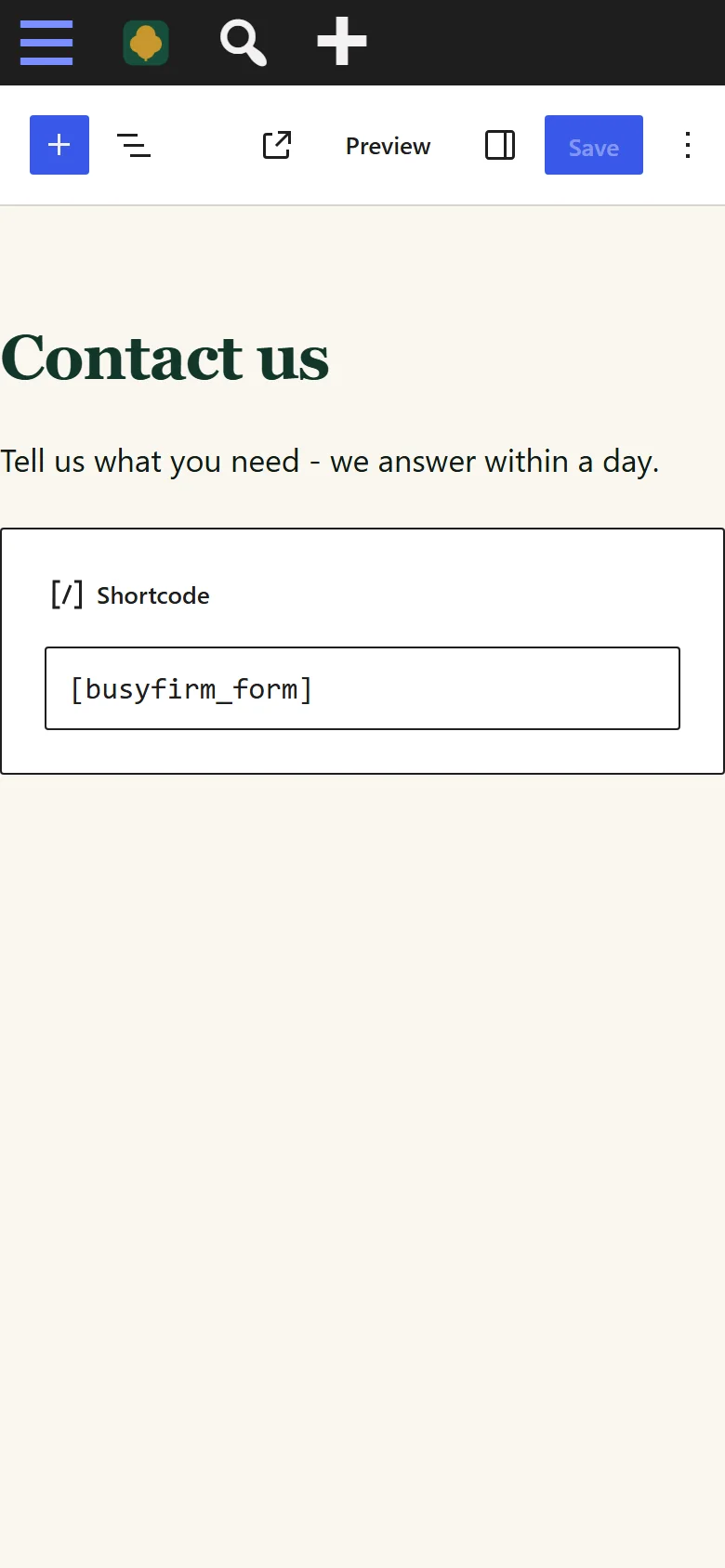
- 10
Or add the form or a payable invoice as a block - search Busy Firm
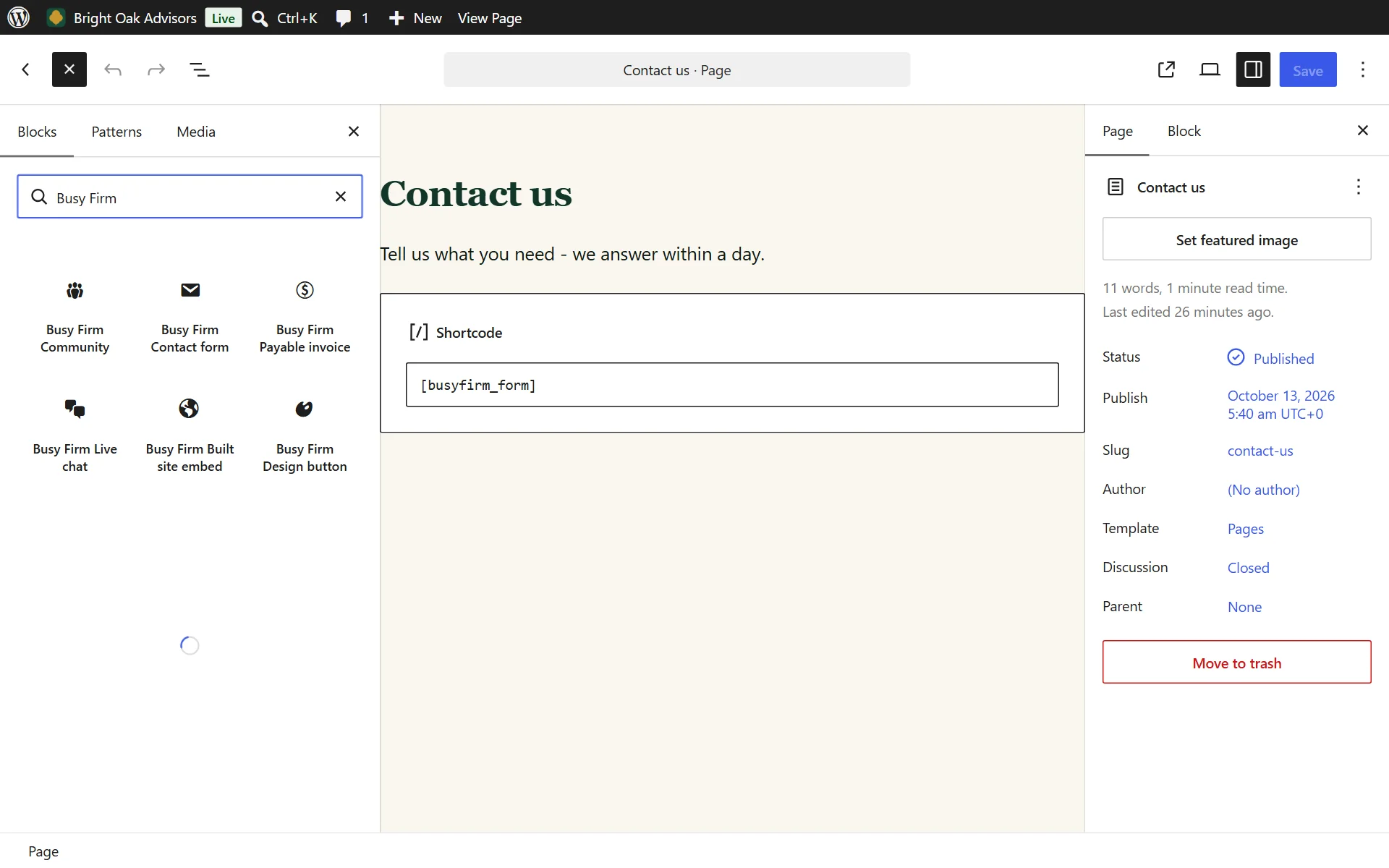

- 11
Installed and active like any WordPress plugin
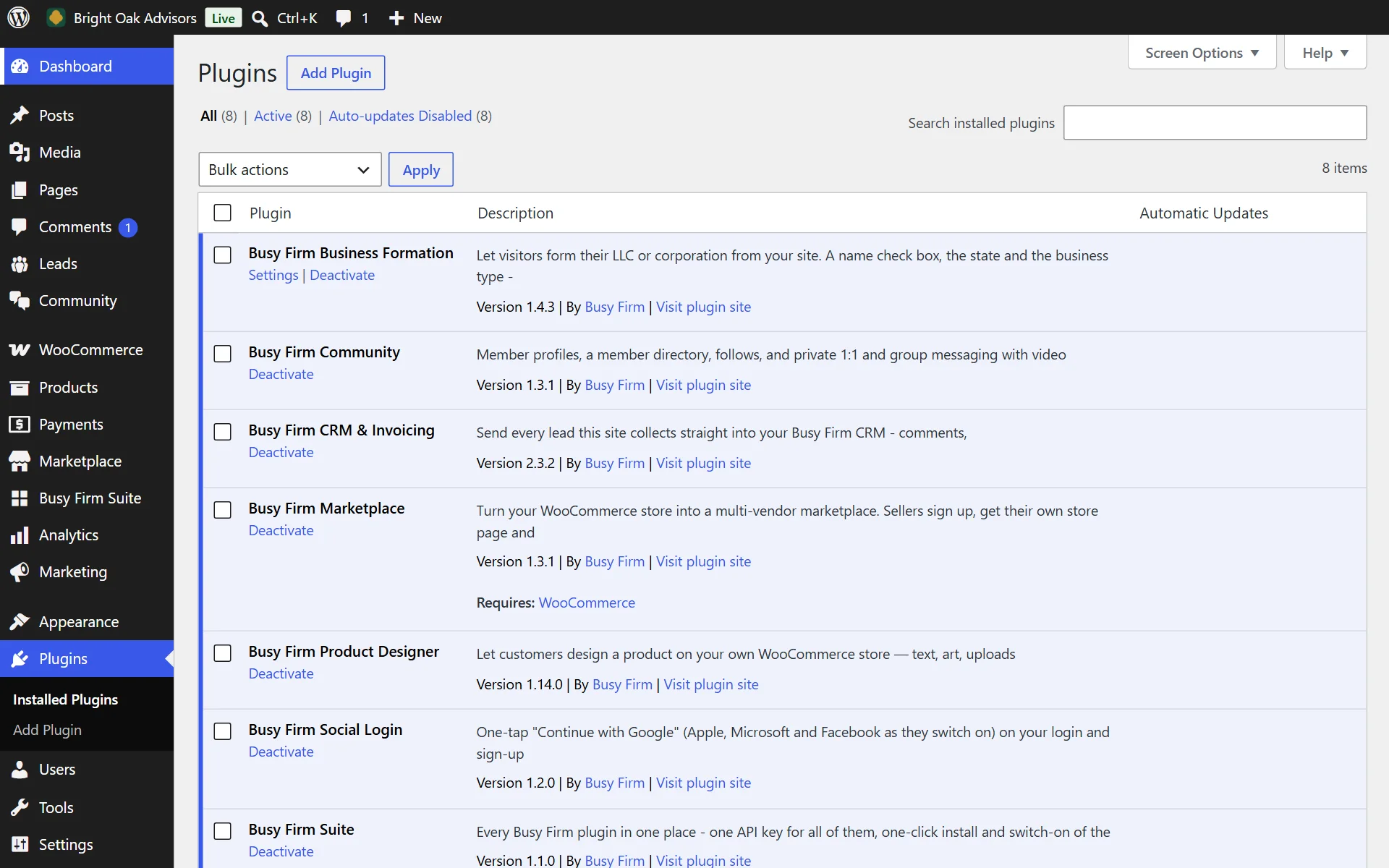

- 12
And so do WooCommerce shoppers

Everything it does
30 features, all included
Leads come in by themselves 5
- Every lead in one place: website forms, comments, Contact Form 7 and WPForms entries become contacts by themselves
- A contact form shortcode that files straight into the CRM
- A live-chat widget for your site, if you want one
- Blocks for the block editor and widgets for Elementor - drop a form, an invoice or chat on a page with no code
- Every lead also shows in WordPress - a private Leads screen with CSV export (switch it off any time)
Contacts 7
- Contacts with source, status, tags and owner; search and filter them all
- Hot, warm and cold lead scores, so you call the right people first
- A full history on every contact: every email (who sent it, clearly marked), call, note, form and booking
- Find duplicates and merge them in one tap
- Import and export contacts by spreadsheet, and delete in bulk
- Saved segments - email a whole segment at once
- Tasks on any contact, ticked off when done
Email 4
- Your own mailbox connected - Gmail, Outlook, iCloud or any provider - so emails go from you, not a no-reply
- Write from the contact's page with From, To, Cc and Bcc - pick which of your addresses it comes from
- Replies land on the contact's history by themselves
- Follow-up emails that send themselves, so no lead goes cold - and stop the moment they reply
Sales 3
- Deals on a pipeline you drag from stage to stage, with values and close dates
- Your own pipeline stages
- Quotes your customers accept online - add a personal note, email yourself a preview, then send or re-send
Money 4
- Invoices paid by card, with automatic reminders until they are paid
- An invoice shortcode that shows a payable invoice on any page
- Recurring billing for retainers and memberships, on autopilot
- Card payments on the spot, from your phone
Scheduling 1
- A calendar and a public booking page, with invites sent to both sides
Reports and AI 3
- Your whole business at a glance: new leads, open deals, money owed and paid, on one overview
- Reports that show where your money comes from - by source, by month and by service
- An AI assistant on every contact: summarise them, suggest the next step, draft the email
Safe by design 3
- Works on a phone as well as a computer
- Connects with a token scoped to this one site - revoke it any time without touching anything else
- Only your site's administrators ever see your leads
Who it is for
Firms, consultants and small businesses whose website brings in inquiries - and who are tired of leads dying in an inbox.
What it never does
- It does not show your leads to anyone but your site's administrators - in WordPress and in your account.
- It does not read or change anything else on your site.
- It does not need your account password. It connects with a token scoped to this one site, which you can revoke at any time without affecting anything else.
Live in 4 steps
- 1Install and activate the plugin.
- 2Open your CRM and add a WordPress integration under Integrations.
- 3Paste the token it shows you into the plugin settings.
- 4Drop the contact-form shortcode on a page, or leave comment and form sync on.
Version 2.3.4 · WordPress 6.0+ · PHP 7.4+
Questions people ask
Does it work with my contact form?
Yes - it captures WordPress comments, Contact Form 7, WPForms and its own chat, and you can drop its own form on any page.
Do I pay per lead?
No. The plugin is free with your account and the CRM starts at $12 a month - leads are unlimited.
Is there a fee on invoices?
No platform fee on any plan. Only the standard card processing on payments made online.
What if my site goes down?
Leads are kept in WordPress and resent every hour until your CRM confirms them.
Is my site hosted with Busy Firm?
Already added. In your account, open Hosting, pick the site and press Switch on and connect - the CRM links to your Busy Firm account by itself, with no key to copy.
You need a CRM plan
The plugin is free to install. Your contacts, quotes and invoices run on a CRM plan - or on any builder plan, which includes the CRM.
Or get it in a plugin bundle
Every plugin comes free with your Busy Firm account. Try Pro free for 14 days on any site - cancel any time.
On Busy Firm Business Hosting? Every Pro feature is already included on your sites.
What's new
Current version 2.3.4
Version 2.3.42026-11-17Latest
- Scripts and styles now load the standard WordPress way, from the plugin's own files - nothing inline.
Stop losing the leads your website already earns.
Free - CRM Team in All-in-one. Install it in minutes - your first result shows up today.